Most businesses never find out what went wrong.
The customer who waited twenty-two minutes for a table doesn't tell the manager. The patient who felt rushed through their consultation doesn't mention it at reception. The guest whose room smelled of damp says "fine, thanks" at check-out and leaves.
They just don't come back. And you record it as normal churn, because nothing happened that you could see.
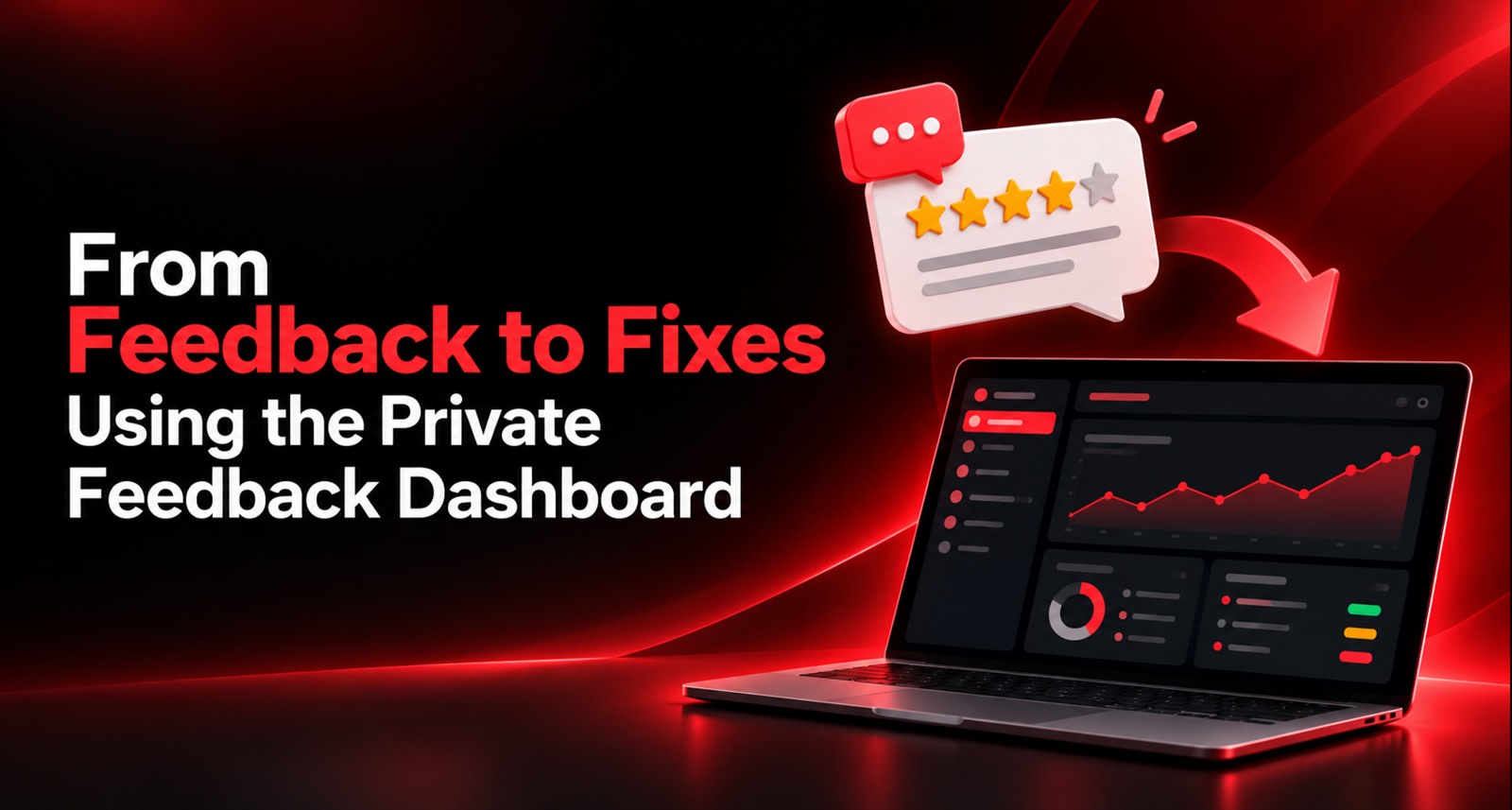
A private feedback dashboard is the mechanism that makes those invisible failures visible while there's still time to do something about them. This is how to actually use it, rather than letting it fill up quietly like an inbox nobody opens.
What a Private Feedback Dashboard Is
When a customer taps your review card, they rate the experience first. That rating decides what happens next.
High ratings go toward Google. Low ratings don't instead, the customer sees a short private form asking what went wrong and how to reach them. That submission lands in your dashboard, usually with an instant alert to whoever's on duty.
So the dashboard is a collection of complaints that didn't go public. Every entry represents a customer who was unhappy enough to say so, but who gave you the first look at it instead of the internet.
To be clear about what this is and isn't: nobody is blocked from posting publicly. Any customer can open Google independently and write whatever they like, and that right matters. What routing changes is sequence. you hear about it first, which is the difference between a fixable problem and a permanent one-star. The mechanics are covered in What Is a Google Review Card and How Does It Actually Work?
Why Private Feedback Is Worth More Than Public Praise
This sounds backwards, so let me be direct about why it's true.
A five-star review is nice. It helps your ranking and reassures strangers. But it tells you almost nothing you can act on. "Great food, lovely staff" confirms things are working. It doesn't change a single decision you'll make tomorrow.
A private complaint is different. It's specific, it's recent, and it names something broken:
Public review | Private feedback |
Builds reputation | Builds the business |
Confirms what works | Reveals what doesn't |
Read by strangers | Read by you |
Can't be fixed | Can be fixed today |
Arrives after the fact | Arrives while the customer is reachable |
The businesses that compound fastest are the ones treating the private dashboard as an operations tool, not a complaints bin.
What Actually Shows Up In There
Most entries fall into four types, and each needs a different response.
🔴 Type 1 - Service failures
"Waited 25 minutes and nobody took our order."
Specific, factual, your fault. Highest-priority category. Almost always recoverable with a fast, honest response.
🟠 Type 2 - Product or quality issues
"The paneer was cold." / "My car came back with the same noise."
Also your fault, usually fixable, and often systemic if it repeats.
🟡 Type 3 - Expectation gaps
"Didn't realise parking was paid." / "Thought the treatment included a follow-up."
Nobody did anything wrong. Your communication did. These are the cheapest problems to fix — usually signage, a menu line, or one sentence from staff.
🟢 Type 4 - Outside your control
"Too crowded on a Saturday." / "Parking in this area is terrible."
You can acknowledge it, sometimes mitigate it, rarely solve it. Don't spend emotional energy here, but do log it — if it repeats fifty times, it stops being outside your control and becomes a location strategy question.
Sorting every entry into one of these four within seconds of reading it is most of the work.
The Response Window: Speed Is the Whole Game
If you take one thing from this article, take this.
Response time | What usually happens |
Under 30 minutes | Customer often still on-site or nearby. Highest recovery rate. |
Same day | Customer still remembers clearly. Good recovery. |
2–3 days | Feels procedural. Partial recovery. |
Over a week | Reads as damage control. Often triggers the public review anyway. |
The reason speed matters isn't politeness. It's that an unhappy customer is actively deciding what to do with their frustration in the first hour. Reach them inside that window and you're part of the resolution. Reach them on day five and you're confirming they were ignored.
Practical setup: route alerts to a phone someone actually checks — usually WhatsApp to the duty manager, not an email inbox opened twice a week. Then set a standing rule: every entry gets a human response within two hours of opening time. Written down, assigned to a named role.
A Triage System That Takes Two Minutes a Day
Don't overthink this. Open the dashboard once in the morning and once before closing. For each new entry, do four things:
1. Read it properly. Not a skim. The specific detail is usually the useful part — the dish, the staff member, the time of day.
2. Tag it. Service / Quality / Expectation / External. Four buckets, nothing more elaborate.
3. Decide if it's recoverable. Is there a contact number? Is the issue something you can genuinely address? If yes, it goes to the response queue.
4. Assign an owner. A complaint with no named owner doesn't get fixed. "The team will look into it" means nobody will.
Two minutes, twice a day. That's the entire operational cost.
How to Actually Respond
Four rules, and they matter more than wording.
✅ Lead with acknowledgement, not explanation
"You waited 25 minutes and that's not acceptable — I'm sorry" lands completely differently from "Saturdays are our busiest service and we were short-staffed."
The second one is often true. It's also, to the customer, an excuse. Explain later if at all. Acknowledge first.
✅ Be specific about what you're doing
"We'll do better" is noise. "I've spoken to the kitchen about the Saturday pass times and we're adding a second server for the 8pm slot" is a response. People can tell the difference instantly.
✅ Call if you have a number
A phone call for a serious complaint outperforms any written message. It's thirty seconds of discomfort for you and a disproportionate shift in how the customer feels.
✅ Offer something only when it fits
A genuine service failure may warrant a gesture — a replacement, a discount on a future visit. Two cautions. First, don't make it transactional for minor issues; it reads as buying silence. Second, and non-negotiably: never tie any gesture to a review. Offering anything in exchange for a rating is a direct policy violation, entirely separate from the complaint you're resolving. Keep the two things completely apart. The compliance boundaries are set out in the Terms & Conditions.
From Individual Complaints to Actual Fixes
Responding to entries is reactive. The real value is in the pattern, and that needs a monthly habit rather than a daily one.
Once a month, sit with the full list and ask three questions:
What repeats?
Three complaints about wait times are noise. Eleven is a staffing problem. Count by tag and look at what's growing.
When does it happen?
Cluster entries by day and time. Most operational problems are concentrated — Saturday evenings, the 2pm lull, the shift changeover. Finding the time is usually finding the cause.
Where does it happen?
If you run separate codes per location or counter, the dashboard tells you which branch generates complaints and which doesn't. That's a management conversation you can't have without data. Setting that up is covered in QR Code Management One Code Per Table, Counter or Campaign.
A simple monthly loop
Step | What you do |
1. Count | Total entries by tag, compared to last month |
2. Rank | Which single issue appeared most? |
3. Pick one | Choose one fix. Not five. |
4. Assign | Named person, specific change, deadline |
5. Measure | Did that complaint type drop next month? |
One fix a month is twelve operational improvements a year, each one validated by actual customer data rather than assumption. That's a meaningful compounding advantage over a competitor fixing nothing because nobody told them anything was wrong.
Mistakes That Waste the Dashboard
❌ Treating it as a reporting tool. Reading complaints without assigning owners is just a sad monthly newsletter.
❌ Responding only to the angry ones. The politely-worded 2-star feedback is often more accurate than the furious one, and easier to act on.
❌ Arguing. Even when the customer is wrong, winning the argument loses the customer. Acknowledge, then correct the record gently if it matters.
❌ Fixing everything at once. Five simultaneous changes means you learn nothing about which one worked. One at a time.
❌ Letting it become one person's private inbox. If only the owner sees it, the team never learns. Share the monthly summary with staff — the useful kind, focused on patterns rather than blame.
❌ Ignoring expectation gaps. These look trivial and they're the cheapest wins available. A line on the menu about parking charges can eliminate an entire complaint category for the cost of reprinting one page.
The Hardware Side: Where Feedback Gets Captured
Worth a practical note, because capture rate depends on placement.
Unhappy customers are less likely to go looking for a way to complain than happy customers are to leave praise. They tend to leave quietly. So the prompt has to be somewhere they'll encounter it without effort — at the exit, the billing counter, the handover desk.
A tucked-away card collects nothing from the people you most need to hear from. A visible stand at the point of payment catches them in the last unhurried moment they'll have with you.
This is the main operational reason businesses get more Google review card display stand units for their counters rather than relying only on handed cards the counter is where both the happy and the unhappy customer pause.
Placement | Catches |
Billing counter stand | Both — highest overall capture |
Exit or reception | Departing customers, including quiet leavers |
Table or room | Mid-experience, skews positive |
Delivery insert | Off-premise customers you'd otherwise never hear from |
If you're choosing formats, the comparison is in NFC Review Card vs Paper QR Printout.
Explore the ReviewTAG Collection with Dynamic QR Codes →
Create Your ReviewTAG Business Account — Sign Up Now →
Talk to Our Team on WhatsApp for a Free Setup Demo
FAQs
Does the private form stop customers posting on Google?
No. Anyone can go to Google independently at any time. The form gives you the first opportunity to respond nothing more, and that's the correct limit.
Should I ask for contact details?
Yes, optionally. Many customers will give a number or email because they want the problem solved. Those are your recoverable cases. Don't make it mandatory — it reduces submissions.
What if someone leaves abusive feedback?
Log it, don't engage emotionally, and escalate if there's a genuine safety concern. It's rare, and it's not representative of your operation.
How many private entries is normal?
Expect roughly one private entry for every eight to fifteen public reviews, depending on the sector. A number far below that often means your prompt is poorly placed, not that nothing is wrong.
Can staff see the dashboard?
That's your call. Sharing monthly patterns with the team is valuable. Sharing individual complaints naming specific staff needs handling carefully pattern-level is usually the right attitude.
More answers on the FAQ page.
About the author

Chandu Venkata Satish
Founder & Director
Chandu Venkata Satish is an entrepreneur, digital strategist and technology-driven business consultant with over ten years of experience working across digital strategy, political consulting, branding and technology. As the Founder of Technical Avengers, he leads the development of practical digital solutions that help businesses strengthen their online presence and accelerate growth. Review TAG is one such product, developed to simplify customer feedback and review generation through AI, QR and NFC technology, helping businesses turn genuine customer experiences into digital trust.
LinkedIn