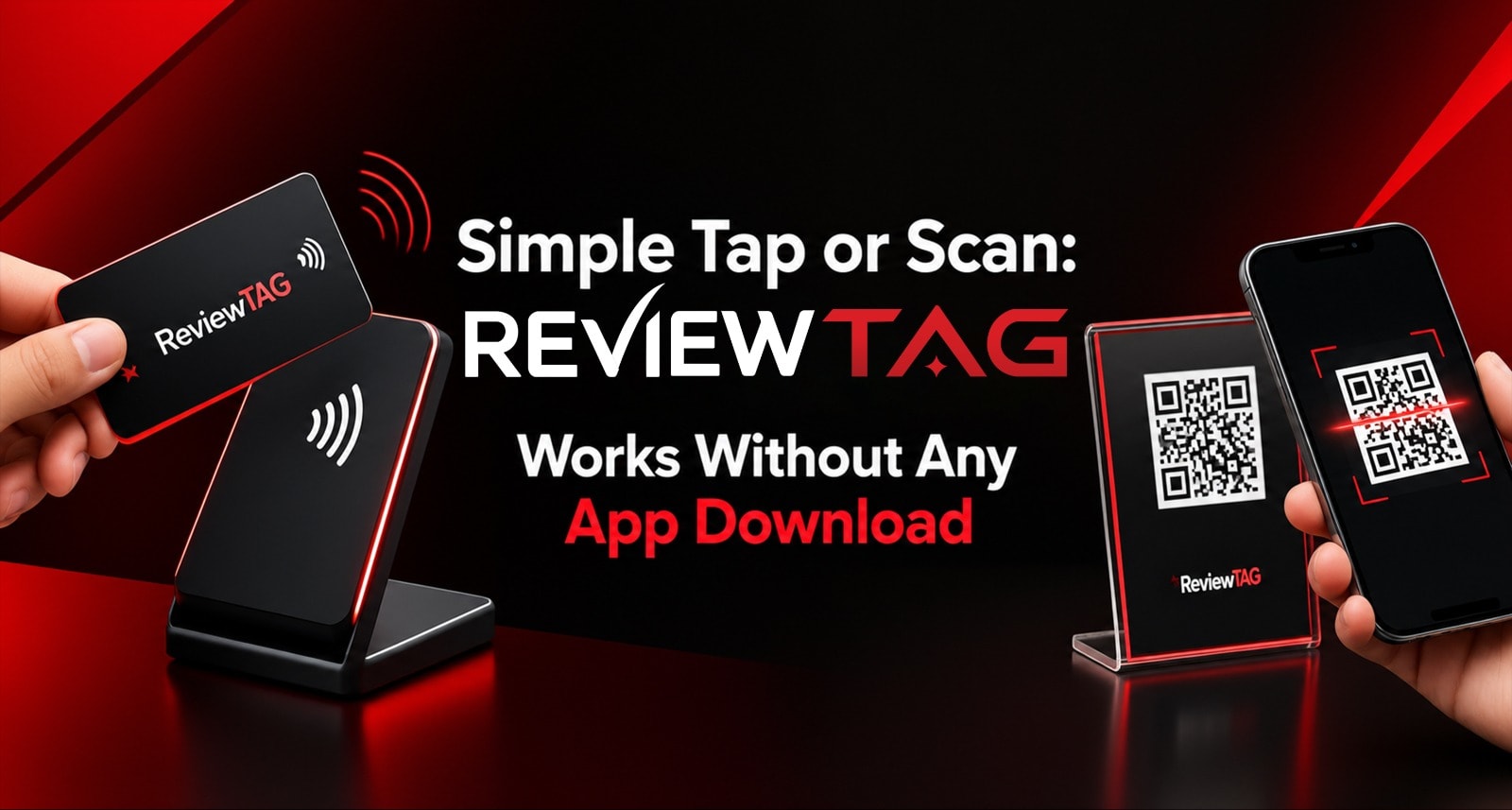
Your customer will not download an app just to leave your business a review.
With Simple Tap Or Scan, they can simply tap their phone on a ReviewTAG product or scan the QR code. No app download. No login. No searching for your business on Google. No typing your business name.
The review flow opens directly in the customer's browser, making it quick and easy to start.
Whether you use a Google Review Stand at a billing counter, a Smart Card during a personal interaction, or a Keychain with a field employee, the same simple experience works across ReviewTAG products.
How Simple Tap Or Scan Works
No app download is required. Customers simply tap or scan to start the review flow.
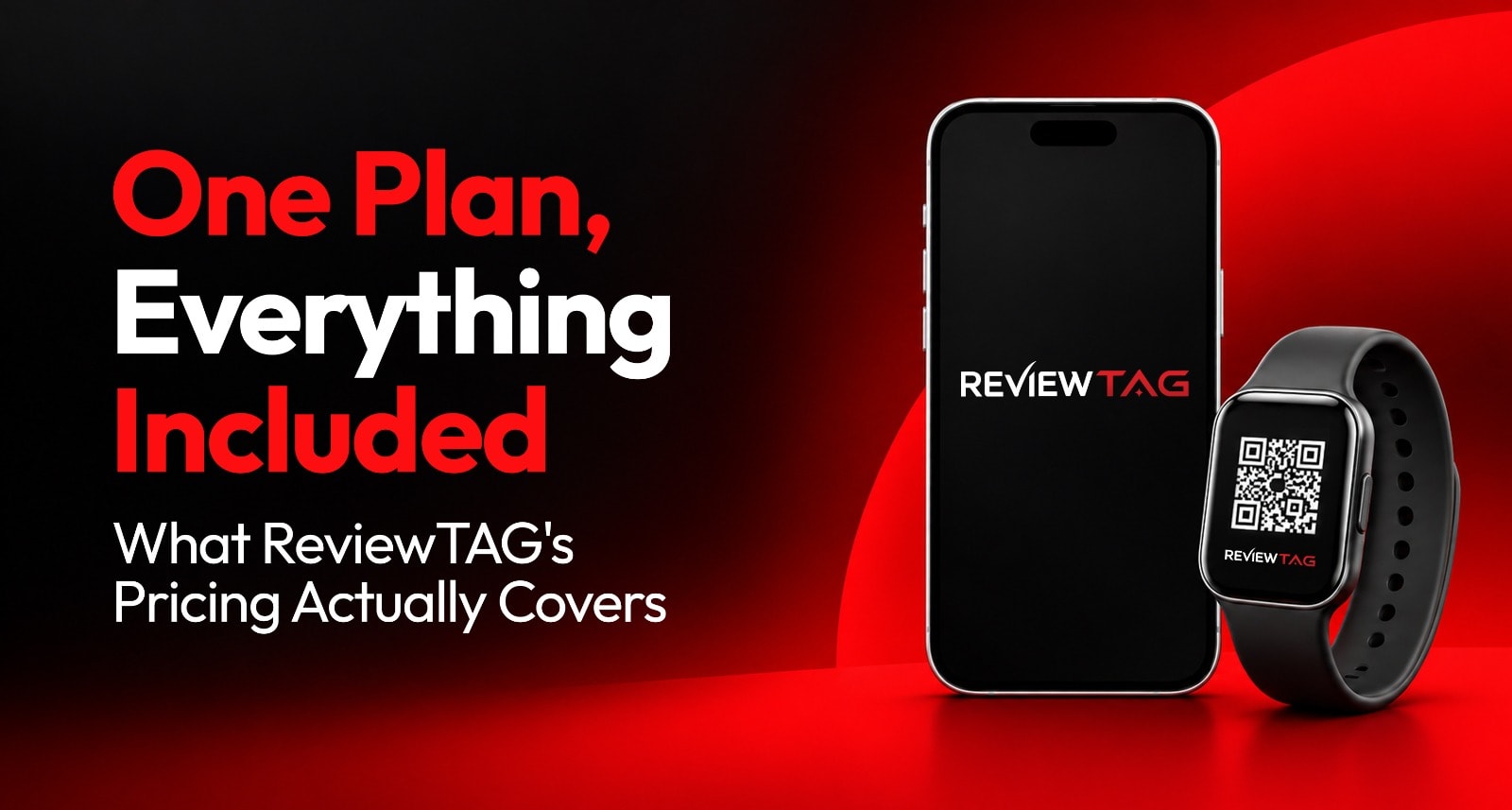
How it works: Every ReviewTAG product combines an NFC chip with a printed Dynamic QR code. Customers can tap their phone or scan the QR code to open the review flow in their browser.
Why it matters: Removing app downloads, logins, and business-name searches reduces friction between a happy customer and their review.
What happens next: Customers select a rating, receive guided assistance, and, for positive feedback, can receive an AI-generated review draft that they can edit before posting to Google.
Best setup: Use a Google Review Stand for customers at counters and tables, Smart Cards for personal handovers, and Keychains for mobile teams.
No app needed: The NFC and QR experience is designed to use the phone's built-in capabilities.
The Same Technology Inside Every ReviewTAG Product
Before comparing tap and scan, there is one important thing to understand.
ReviewTAG uses the same core technology across its hardware formats. A Smart Card, Acrylic Stand, Desk Puck, or Keychain is simply a different physical format designed for a different customer interaction.
Every ReviewTAG product includes:
1. Dual Technology: NFC + Dynamic QR
Each product has both:
NFC for contactless tapping
A printed Dynamic QR code for scanning
Customers can choose whichever method is more comfortable for them.
2. Dynamic QR Code
The QR code connects to a short cloud-based link controlled through the ReviewTAG dashboard.
If your Google review link changes, you can update the destination from the dashboard without having to reprint the physical product.
3. Smart Routing Shield
ReviewTAG's flow includes a rating step before directing customers onward.
For customers selecting 4-5 stars, the system can provide an AI-assisted draft before they continue to Google.
Read More: Choosing Between ReviewTAG Smart Card, Acrylic Stand and Desk Puck
For customers selecting 1-3 stars, the system can collect private feedback and send a manager notification.
This is designed as a service-recovery workflow, not review blocking. Customers are not prevented from posting directly to Google.
4. AI Review Assistant
Instead of presenting a completely blank review box, the experience can provide selectable prompts and generate a review draft.
The customer remains in control and can edit the draft before posting.
5. Dashboard & Tracking
Businesses can monitor metrics such as:
Scans
Completions
Rating distribution
Per-code performance
Per-location performance
This makes it possible to understand how different ReviewTAG products or locations perform.
6. Google-Compliant Posting
ReviewTAG does not automatically publish reviews.
The customer controls the final review and decides whether to edit and submit it.
7. Pricing
ReviewTAG Smart Cards start from ₹99, with other hardware and combinations available through the ReviewTAG pricing page.
The important point is that Simple Tap Or Scan is not a separate piece of hardware. It is the customer experience created by combining NFC and QR technology with the ReviewTAG review flow.
How Simple Tap Or Scan Works in 10 Seconds
The biggest advantage of the system is reducing the number of things customers have to do.
Instead of asking someone to search for your business on Google, find the correct listing, locate the review button, and start writing, the customer begins directly from your ReviewTAG product.
Step 1: Tap or Scan
The customer can either:
Tap: Hold a compatible phone near the NFC area.
Scan: Open the phone's camera and scan the Dynamic QR code.
The customer doesn't need to download a dedicated ReviewTAG application.
On supported iPhones and Android devices, NFC can be accessed through the phone's native capabilities. QR codes can be scanned using the phone's camera or built-in QR functionality.
Step 2: The Review Flow Opens
The tap or scan opens the ReviewTAG cloud experience in the customer's browser.
This removes the need to search manually for the business.
Step 3: Select a Rating
The customer is presented with a simple rating step.
For a positive rating, the experience can guide the customer toward Google and provide review-writing assistance.
Also Read: Does ReviewTAG Post Reviews Automatically? Here's Exactly What Happens?
For lower ratings, the business can receive private feedback for service recovery.
The customer is not prevented from leaving a Google review.
Step 4: Create the Review
For positive feedback, the AI Review Assistant can use the customer's selected experience points to generate a review draft.
For example, a customer might select:
Friendly staff
Fast service
Clean environment
The system can turn those inputs into a review draft that the customer can review and edit.
Step 5: Customer Posts to Google
The customer proceeds to Google and retains control over the final review.
There is no automatic posting.
The entire experience is designed to remove unnecessary friction while keeping the customer in control.
Tap vs Scan: Which Should Customers Use?
You don't have to choose between NFC and QR.
The advantage of Dual Technology is that customers can choose the method they already understand.
Feature | Tap via NFC | Scan via QR Code |
How it works | Hold compatible phone near NFC area | Open camera and scan QR |
App required | No dedicated app | No dedicated app |
Main advantage | Extremely quick and contactless | Familiar and highly universal |
Best use | Fast personal interactions | Counters, tables and general use |
Phone requirement | NFC-compatible phone with NFC available | Phone with camera/QR capability |
Customer action | Tap | Scan |
Backup option | QR available on same product | NFC available on same product |
Why Both Matter
Some customers immediately understand NFC.
Others are more comfortable with QR codes.
If you use only NFC, some customers may not be able or willing to use it.
If you use only QR, you lose the convenience of a contactless tap.
With Simple Tap Or Scan, both options are available on the same ReviewTAG product.
ReviewTAG Expert Tip: When choosing a review collection product, look for both NFC and QR rather than relying on a single interaction method.
Simple Tap Or Scan vs App-Based Review Tools
The difference becomes especially important when the customer only has a few seconds to leave feedback.
Factor | App-Based Review Tool | ReviewTAG Simple Tap Or Scan |
App download | Usually required | Not required |
Account creation | May be required | Not required for the basic tap/scan start |
Starting the review | Multiple steps | Tap or scan |
Phone storage | Requires app storage | No dedicated app required |
Customer familiarity | Depends on the app | Uses familiar phone functions |
Staff explanation | Longer | Simple tap/scan instruction |
Review assistance | Depends on provider | AI Review Assistant available |
Tracking | Depends on platform | ReviewTAG dashboard |
Final Google review | Depends on workflow | Customer controls final post |
Why Reducing Friction Matters
Think about the customer's situation.
They have just finished paying for lunch.
They have just received their repaired vehicle.
They have just completed a salon appointment.
They are leaving a clinic.
They have just received a delivery.
You may have only a few seconds of their attention.
Asking them to download an application adds another barrier.
A simple instruction such as:
"If you enjoyed the service, just tap here or scan this QR. It takes a few seconds."
is much easier for staff to explain and for customers to understand.
Where Simple Tap Or Scan Works Best
The technology remains the same, but the physical format should match the customer interaction.
Restaurants & Cafes
Use an Acrylic Stand on tables or at the billing counter.
Customers can scan while waiting for their bill.
Staff can also use a Smart Card for personal requests.
Retail Stores
Place a Google Review Stand near the billing area or queue.
Customers already have their phones out for payment, making the review QR visible at the right moment.
Salons & Spas
Give Smart Cards to stylists.
After completing the service, the stylist can make a personal review request.
A stand at reception can capture additional walk-in opportunities.
Clinics & Diagnostic Centers
A Desk Puck or Acrylic Stand can be positioned at reception or billing.
Smart Cards can be used during personal customer interactions.
Workshops & Auto Service
Service advisors can use Smart Cards when returning the vehicle.
A stand at the cashier provides another review opportunity.
Field Service & Delivery
Use a Keychain or Smart Card with technicians and delivery staff.
The review tool travels with the employee instead of remaining at a fixed counter.
Decision Matrix: Which ReviewTAG Product Should You Use?
Business Type | Recommended Product | Why |
Restaurant / Cafe / QSR | Acrylic Stand + Smart Card | Stand captures table/counter scans; Card supports personal requests |
Retail / Supermarket | Acrylic Stand | Highly visible at billing and queue areas |
Salon / Spa | Smart Card + Acrylic Stand | Card supports stylist handover; Stand covers reception |
Clinic / Dental | Desk Puck + Acrylic Stand | Premium desk experience plus billing visibility |
Workshop | Smart Card + Acrylic Stand | Advisors can request reviews personally; cashier provides passive option |
Real Estate | Smart Card / Keychain | Portable for site visits |
Delivery / Installation | Keychain / Smart Card | Travels with field staff |
Hotel / Premium Office | Desk Puck + Smart Card | Premium desk presence plus personal interactions |
ReviewTAG Expert Tip: The best physical format depends on where the customer interaction happens. The technology stays consistent; the physical format changes to match the moment.
7 Things to Check Before Buying a Tap or Scan Review Product
Not every product marketed as an NFC or QR review tool provides the same experience.
Before buying, check these seven points.
1. Does It Work Without a Dedicated App?
The basic tap and scan experience should not require customers to download a special application.
2. Does It Have Both NFC and QR?
Don't limit customers to one interaction method.
A dual NFC + QR product gives customers a choice.
3. Is the QR Dynamic?
A static QR permanently points to one destination.
A Dynamic QR can be managed from the dashboard, allowing the destination to be updated without replacing the physical product.
4. Does It Include a Review Guidance Flow?
Simply opening Google is only one part of the experience.
A guided review flow can help customers understand what to do next.
5. Does It Include AI Review Assistance?
An AI-assisted draft can reduce the blank-page problem by helping customers turn their experience into a review.
The customer should still be able to edit the generated text.
6. Can You Track Performance?
Look for analytics covering:
Tap activity
QR scans
Completion rates
Ratings
Individual codes
Locations
This helps identify which products and locations generate engagement.
7. Does the System Keep the Customer in Control?
Avoid systems that promise automatic review publishing or guaranteed ratings.
The customer should control the final review before it reaches Google.
How ReviewTAG Simple Tap Or Scan Setup Works
Getting started does not require technical work from the business owner.
Day 1: Order & Share Details
Choose your preferred ReviewTAG products.
Share:
Google review link
Business logo
Location information
Staff information where required
The ReviewTAG team prepares the design.
Day 2: Dashboard Configuration
Your Dynamic QR and NFC experience is connected to your ReviewTAG dashboard and review flow.
You can test the experience before production.
Day 3: Production & Testing
Your branded products are produced.
NFC and QR functionality is tested before dispatch.
Day 4: Delivery
Your products are shipped and delivered ready to use.
There is no wiring or customer-side application installation.
Day 5: Go Live
Place your stands where customers naturally wait.
Give Smart Cards or Keychains to relevant staff.
Train your team with a simple script:
"If you enjoyed our service, a quick tap or scan here would really help us. It takes a few seconds."
Then monitor your activity from the dashboard.
What Happens If Your Google Review Link Changes?
This is where Dynamic QR technology becomes useful.
With a traditional static QR code, changing the destination can mean replacing the printed material.
With a Dynamic QR system, the physical QR remains the same while the destination can be updated through the dashboard.
For example:
Old destination → New Google Business review link
Instead of printing a new stand or card, you update the destination in your dashboard.
This makes Dynamic QR particularly useful for businesses that:
Change locations
Add branches
Reconfigure review links
Manage multiple locations
Replace or update Google profiles
SIMPLE TAP OR SCAN: No App, Less Friction
The real value of Simple Tap Or Scan is not simply the NFC chip or QR code.
It is the reduction of unnecessary steps between a positive customer experience and a genuine review.
The customer doesn't need to:
Search Google
Find your business
Open the review section
Figure out what to write
Download an application
Instead, they can start with:
Tap → Rate → Review assistance → Edit → Post
or
Scan → Rate → Review assistance → Edit → Post
The customer remains in control throughout the process.
Conclusion: Make Google Reviews as Simple as Tap or Scan
A tap and a scan are simply two convenient ways to start the same review journey.
Simple Tap Or Scan removes unnecessary friction by giving customers two familiar ways to begin: NFC tap or QR scan.
ReviewTAG combines these options with Dynamic QR technology, review guidance, AI-assisted drafting, Smart Routing, and dashboard analytics.
The physical product can then match your business:
Stand for customers waiting at counters or tables
Smart Card for personal handovers
Keychain for mobile teams
Desk Puck for premium reception or desk environments
You don't have to choose between NFC and QR.
Give customers both.
You don't have to force customers to download an app.
Let the phone's built-in capabilities start the experience.
And you don't have to rely on a blank Google review box.
Guide customers while keeping them in control of the final review.
Ready to make Google reviews as simple as tapping or scanning?
Explore Collection & Buy NFC Tag Google Review Card — See Stands, Cards, Pucks & Combo pricing.
Talk to Our Team on WhatsApp for a Free Demo
FAQ
1. Do customers need to download an app to use Simple Tap Or Scan?
No dedicated ReviewTAG app is required to start the tap or scan experience. Customers can use the phone's native NFC functionality or camera/QR functionality to open the browser-based flow.
2. Does Simple Tap Or Scan work on iPhone and Android?
Yes, ReviewTAG provides both NFC and QR options. NFC availability and behavior can vary by phone model and settings, while QR scanning provides a widely supported alternative on smartphones with cameras.
3. What happens when a customer scans the QR code?
The Dynamic QR opens the ReviewTAG browser-based flow. The customer can then proceed through the rating and review assistance experience before continuing to Google.
4. What happens if my Google review link changes?
With ReviewTAG's Dynamic QR, you can update the destination from the dashboard without replacing the physical QR product.
5. Can ReviewTAG automatically post reviews to Google?
No. ReviewTAG does not automatically publish the customer's review. The customer controls and submits the final review.
6. Does ReviewTAG block negative reviews?
No. The Smart Routing Shield is designed for service recovery. Lower ratings can be directed to private feedback and trigger a manager notification, but the customer is not prevented from posting on Google.
7. Which ReviewTAG product should I use for my business?
Choose the format based on where your customer interaction happens. Use an Acrylic Stand for fixed counters and tables, Smart Cards for personal handovers, Keychains for mobile teams, and Desk Pucks for premium desk environments.
About the author

Chandu Venkata Satish
Founder & Director
Chandu Venkata Satish is an entrepreneur, digital strategist and technology-driven business consultant with over ten years of experience working across digital strategy, political consulting, branding and technology. As the Founder of Technical Avengers, he leads the development of practical digital solutions that help businesses strengthen their online presence and accelerate growth. Review TAG is one such product, developed to simplify customer feedback and review generation through AI, QR and NFC technology, helping businesses turn genuine customer experiences into digital trust.
LinkedIn