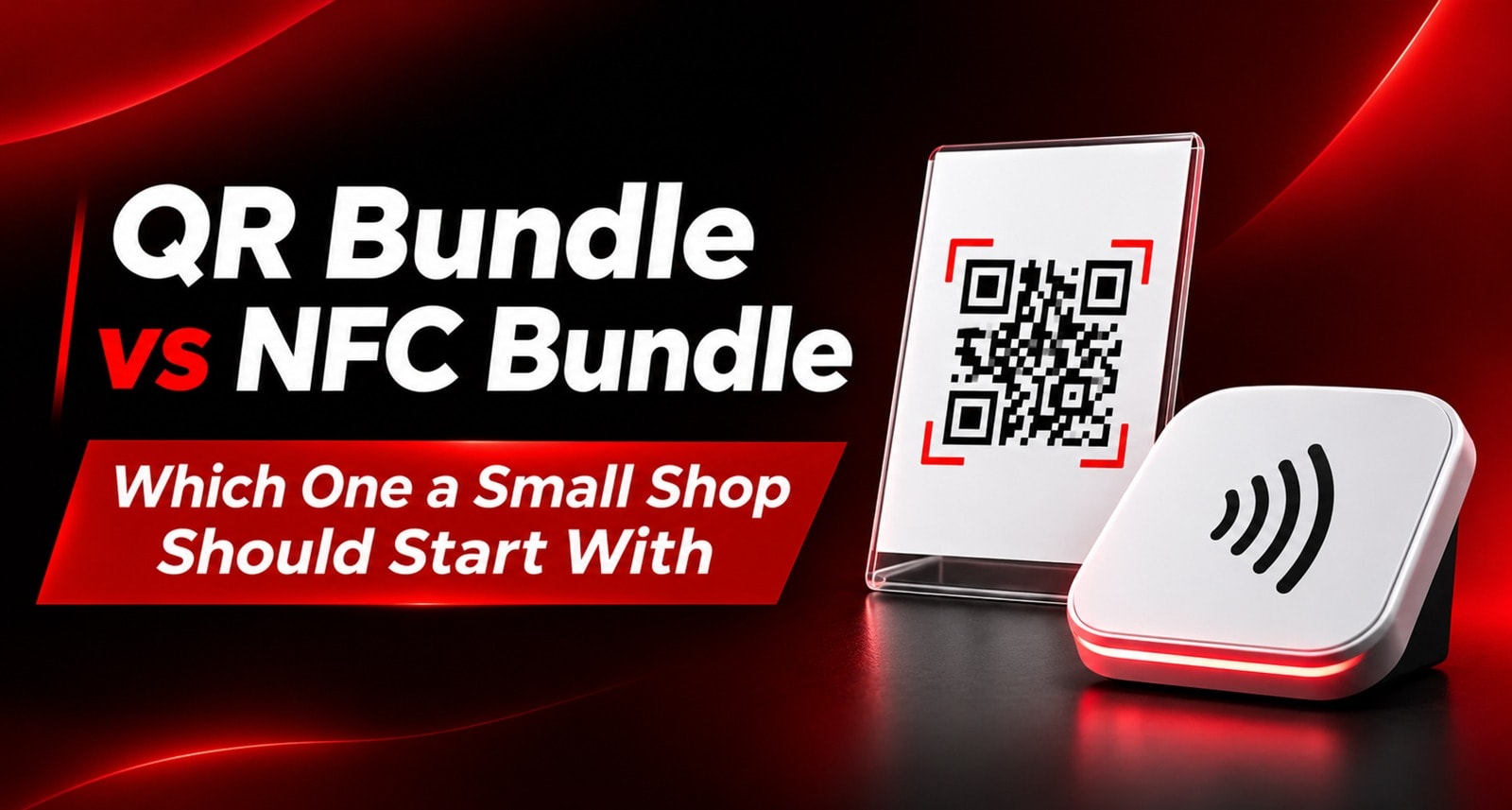
A small shop owner choosing review hardware often gets asked to pick a side: QR or NFC.
The choice sounds bigger than it is. A QR code works when a customer opens their phone camera and scans it. NFC works when they tap a compatible phone against the card or stand. Both can take a customer to the same review page.
For most small shops, the practical question is simpler: what makes it easiest for a customer to leave a review at the moment you ask?
This guide compares QR and NFC bundles, explains when each format fits, and gives a sensible starting setup for a shop that wants to try review hardware without overbuying.
The Short Answer
If you’re buying your first review hardware, start with a QR-first setup if you want broad phone compatibility and a clear, familiar action. Choose an NFC-first setup if customers can easily tap a card or stand and your team is comfortable showing them how.
If your budget allows, a card or stand that has both NFC and a QR code gives customers a choice. The sample hardware in your brief uses both formats, so customers can tap or scan the same item.
The right setup still depends on where customers pause. A well-placed card at the counter usually beats extra hardware that staff forget to offer.
QR and NFC: What’s the Difference?
QR code | NFC | |
How a customer uses it | Opens the phone camera and scans the code | Taps a compatible phone against the card or stand |
What the customer sees | A visible code and camera prompt | A tap point; the action may need a brief explanation |
Good fit for | Counters, windows, table cards and printed materials | Staff handoffs, cards and close-up counter prompts |
Main strength | Familiar and easy to spot | Quick when the customer knows where to tap |
Common snag | Glare, small codes or poor placement can make scanning awkward | Some customers may not know to tap, or may prefer scanning |
Can the item offer both? | Yes | Yes |
Neither format guarantees a review. The customer still needs a good experience, a convenient moment and a clear invitation.
What Is a QR Bundle?
A QR bundle is review hardware or printed material that uses a scannable QR code to open the review destination.
For a small shop, that might mean:
One acrylic stand at the billing counter
A few cards for staff to offer during checkout or handover
A separate code for a second counter or service area, if useful
QR codes are visible, so customers can often understand the action without much explanation. They can scan with their phone camera and continue from there.
A QR setup works well when the code is easy to reach, large enough to scan and not washed out by glare. Keep the stand in the customer’s line of sight, and avoid placing it behind a payment machine or a stack of products.
For shops using more than one placement, separate codes can help show which locations are getting used. The practical setup is covered in QR Code Management: One Code Per Table, Counter or Campaign.
What Is an NFC Bundle?
An NFC bundle uses cards, stands or tags that a customer taps with a compatible phone to open the review destination.
For a small shop, NFC can be useful when staff are already handing a customer something: a card, bill folder, product bag or service handover. The tap can feel quick and direct once the customer knows what to do.
The main consideration is discoverability. A QR code visibly tells the customer “scan me.” An NFC card may need a short cue, such as: “Tap your phone here to leave a review.” Some customers may prefer to scan, so a QR option alongside NFC gives them another way to continue.
For a comparison of fixed and hand-held formats, see Google Review Stand & NFC Card Combo: Why Pairing Hardware Works Better.
Which Should a Small Shop Start With?
Start with QR if…
You want a visible instruction customers can recognise quickly.
Your customers may not be familiar with tapping an NFC card.
You plan to place the code on a counter, sign or printed material.
You want an easy fallback for customers who don’t use NFC.
Start with NFC if…
Staff already hand customers a card or another item at checkout.
You want a compact format for staff to carry.
Your team can show customers where to tap.
Your review moment happens face to face, rather than from a distance.
Start with both if…
You want customers to choose the action they prefer.
Your team can give a quick, consistent prompt.
You have one or two clear review moments and want to compare which format gets used more.
If an item supports both QR and NFC, you don’t have to make the customer choose before they arrive at the counter. The card or stand can provide both paths.
A Simple Starter Setup for a Small Shop
A small shop doesn’t need a device on every surface. Start with the customer’s main pause point: usually the billing counter, reception desk or service handover.
Item | Starting quantity | Placement |
Acrylic stand with QR and NFC | 1 | Billing counter or reception |
Smart cards with QR and NFC | 2–5 | Staff pockets, handover or a second counter |
The sample prices in your supplied draft are ₹299 for an acrylic stand and ₹99 per Smart Card, making this example ₹497–₹794 in hardware before any platform plan. Treat these as the prices from that draft and confirm current prices before publishing.
The stand is the always-visible option. Cards help staff bring the review prompt to the customer when the counter is busy or the conversation ends somewhere else. The broader card-and-stand choices are explained in Which Google Review Card and Stand Bundle Fits Your Business Size? once that post is live.
Try this for four weeks: place the stand where customers can see it, give staff one simple line to use, and check which code or placement gets activity. Move hardware that is hidden or ignored before buying more.
How to Make Either Format Work
The format matters less than the moment and the invitation.
Choose a natural pause. Ask after a purchase, appointment or completed service—when the customer has time to respond.
Keep the prompt simple. For example: “If you had a good experience, you can scan or tap here to leave a review.”
Make the next step clear. Point to the QR code or tap area instead of assuming customers will work it out.
Use separate codes for separate areas when you need to compare them. One code per useful placement can help you learn whether the counter, staff card or another area is performing. Avoid adding codes you won’t review or act on.
Let every customer choose freely. Keep the invitation neutral and don’t tie it to a reward or ask only customers you expect to rate you highly.
Hardware helps customers reach the review page, but staff timing and customer experience still do the heavy lifting. Why Happy Customers Don’t Leave Google Reviews covers the gap between a happy customer and a completed review.
Common Mistakes to Avoid
Buying a large bundle before testing one placement. Start at the main pause point and add hardware when you know where it’s needed.
Assuming NFC is self-explanatory. A short “tap here” cue can help customers recognise what to do.
Treating QR as automatically effortless. A code that is too small, hidden or reflecting light can be difficult to scan.
Placing hardware where staff can’t reach it. If the team has to search for a card or interrupt the checkout flow, they’re less likely to use it.
Expecting the format to fix the ask. Neither QR nor NFC can replace a good experience and a timely, polite invitation.
FAQs
Should a small shop start with QR or NFC?
Start with QR if visibility and familiarity are your priority. Start with NFC if staff can hand over a card and prompt customers to tap. If possible, choose hardware that offers both.
Do customers need an app to use NFC review hardware?
They generally use their phone’s built-in NFC capability to tap. Because phone settings and compatibility can vary, keeping a QR code available gives customers another route.
Is a QR review card better than an NFC review card?
Neither is always better. QR is visible and familiar; NFC can be quick during a handoff. Placement, customer comfort and staff prompting matter more than the format alone.
Can one card use both QR and NFC?
Yes. The products described in your supplied draft carry both, allowing a customer to scan or tap.
How many review stands does a small shop need?
Usually one at the main counter or reception to begin with. Add another only if customers regularly finish transactions at a separate location.
Can I change the destination later?
Your supplied draft describes the codes as dynamic, with destinations editable from the dashboard. Confirm that this applies to the specific product and plan you’re publishing before making that claim.
More answers are on the ReviewTAG FAQ page.
About the author

Chandu Venkata Satish
Digital Marketing Consultant & Strategist
Chandu is a Digital Marketing Consultant and Strategist focused on brand growth, Digital positioning, and High-impact marketing solutions. He specializes in transforming ideas into scalable digital success through strategy, innovation, and performance-driven execution.
LinkedIn