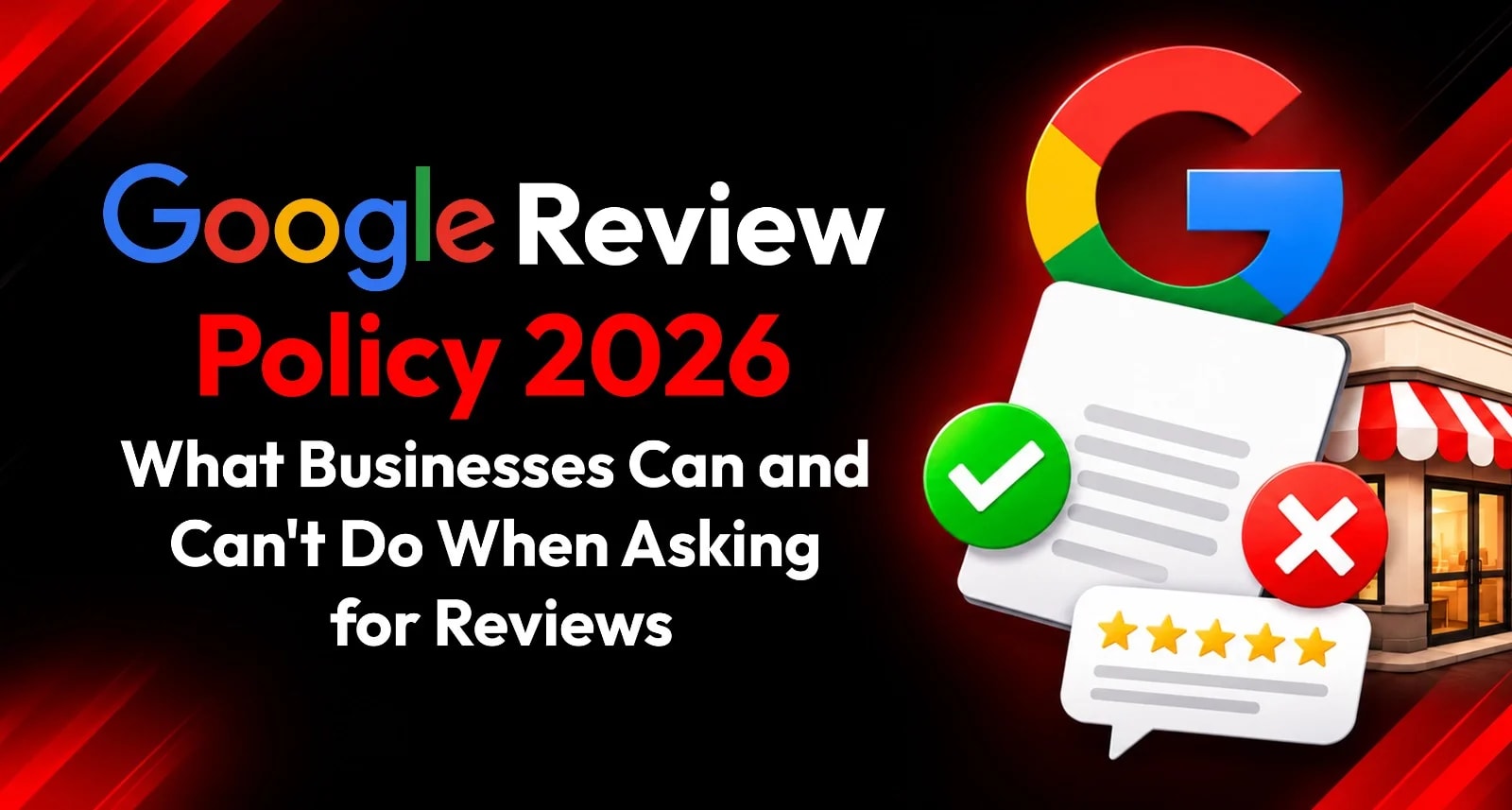
A business can ask customers for Google reviews. It can share a review link, display a QR code or place an NFC stand at checkout. What it can’t do is control which customers get asked, offer a reward for a review or pressure people to leave a particular rating.
That distinction matters. Review requests are a normal part of customer communication, but attempts to shape the rating or filter out criticism can cross Google’s policy line.
This guide explains the Google Review Policy in practical terms for Indian businesses. It covers review gating, incentives, employees, AI-assisted tools and examples for restaurants, hotels, clinics, salons and retail shops. The aim is a transparent process that invites honest feedback from customers and leaves the review decision in their hands.
Google’s policies can change, so check the linked Google guidance before making changes to your process. The policy examples below are based on Google’s published guidance available in 2026.
The Short Version
Google allows businesses to ask customers to share a genuine review, provided the request doesn’t influence the rating or content. Businesses can use a review link or QR code to make the process easier. Google says reviews should reflect a real experience and be genuine and unbiased.
A practical rule for staff is:
Ask all customers neutrally. Don’t ask for a particular rating, offer a reward or make it harder for unhappy customers to leave a public review.
Google’s Prohibited and restricted content policy says businesses may encourage customers to share genuine experiences, but can’t offer incentives, discourage negative reviews or selectively solicit positive reviews.
What Businesses Can Do
Ask customers for an honest review
You can invite customers to share their experience after a completed visit or service. Keep the request optional and avoid suggesting what the customer should say.
For example:
“Thanks for visiting us. If you’d like to share your experience, you can leave a Google review here.”
The customer chooses whether to post, what to write and what rating to give.
Share a direct review link
Google allows businesses to share a review request link or QR code. Its guidance suggests using the link on receipts, in thank-you emails, at the end of a chat interaction or in printed signage at the business. See Google’s instructions for creating a review link or QR code.
Before sending a link, test it on a phone and make sure it opens the right business location. For multiple branches, keep each branch’s link clearly labelled.
Use QR and NFC hardware as a convenience
A QR code or NFC stand can help customers reach the review page at a natural pause, such as checkout or reception. These tools are ways to share access; they don’t make the request compliant by themselves. The words on the sign, the staff prompt and the customer’s freedom to decide still matter.
For advice on clear tap and scan instructions, see NFC Tap and QR Sign Design Rules That Get Noticed at Front Desks
Respond to reviews professionally
Google Business Profile lets verified businesses reply to customer reviews. A response should address the feedback calmly, avoid disclosing private information and offer an appropriate way to follow up when needed. Google’s review management guidance explains how businesses can read and reply to reviews.
What Businesses Can’t Do
Google’s fake engagement and rating manipulation rules prohibit several common review tactics.
Practice | Why it’s a problem |
Offering a discount, gift or payment for a review | It makes the review incentivised |
Asking only customers who seem happy to post publicly | It selectively solicits positive reviews |
Sending unhappy customers to private feedback while sending happy customers to Google | It filters who gets the public review option |
Asking for five stars or specific phrases | It tries to influence the rating or content |
Asking staff to reach a review quota | It can pressure customers and encourage manipulated activity |
Asking employees or close associates to review the business | A personal or professional relationship can create a conflict of interest |
Posting reviews for customers or asking someone to post on their behalf | Reviews must reflect the writer’s own genuine experience |
Google specifically says merchants shouldn’t offer incentives in exchange for a review, revision or removal of a negative review. It also prohibits merchants from discouraging negative reviews or selectively soliciting positive ones. Its policy says merchants shouldn’t require or pressure people to leave reviews while on the premises or request specific content. Read Google’s policy details.
Review Gating: What It Means and Why to Avoid It
Review gating is a process that asks customers how satisfied they are and then directs only the customers who give a positive response to Google. Customers who give a lower score are sent to a private form instead.
The problem is that the business is filtering who gets the opportunity to leave a public review based on how positive their feedback is. Google’s policy prohibits selectively soliciting positive reviews and discouraging negative ones.
A compliant process can offer customers both options without screening them by rating. For example, a sign or follow-up page might provide a public review link and a separate way to contact the business with feedback. Both should be available regardless of whether a customer is happy or unhappy.
Private feedback can help a business resolve service problems. It shouldn’t be used to prevent criticism from appearing publicly.
Incentivized Reviews: No Rewards for Posting
A review incentive is any benefit offered in exchange for posting, changing or removing a review. This can include:
A discount on the current or next purchase
A free product, meal or service
A gift card or contest entry
Cash, points or loyalty rewards
A refund in exchange for editing or deleting a review
The policy applies whether the business asks for a positive or negative review. A “review us and get 10% off” offer is still an incentive, even if the business says all ratings are welcome.
Instead, make the request part of ordinary customer communication. Thank the customer, share the link and leave the decision to them.
Employees, Friends and Family Reviews
Google’s policy notes that reviews can be biased by conflicts of interest, including current or former employment, contractual relationships, family relationships or other personal and professional affiliations. Businesses should not ask employees, owners, relatives, agencies or business partners to post reviews as if they were ordinary customers.
If an employee has also been a genuine customer, the relationship may still affect whether their review appears unbiased. The safer practice is not to solicit reviews from people with a close connection to the business.
Likewise, don’t ask staff to use personal accounts to post reviews, coordinate multiple accounts or write reviews on customers’ behalf. Reviews should come from customers describing their own experience in their own words.
Examples for Indian Businesses
Restaurant or café
Compliant: After billing, staff say, “Thanks for coming in. If you’d like to share your experience, there’s a review link on the stand.”
Not compliant: Customers who rate the meal highly on a tablet are shown the Google link; anyone who rates it poorly is sent only to a private complaint form.
A restaurant can share a QR or NFC review sign at the counter, but the option should not depend on a customer’s rating. For a broader review process, see Restaurant Google Reviews – How Restaurants in India Can Get 100+ Reviews a Month.
Hotel
Compliant: A post-stay message thanks every guest and includes the same review link.
Not compliant: Guests who mention a positive stay are asked to post on Google, while guests who raise a concern are asked not to post until the hotel resolves it.
Staff can address a service issue and still leave the guest free to share their honest experience publicly.
Clinic
Compliant: Reception provides a neutral review link after the appointment, without asking for a specific rating or mentioning sensitive patient details.
Not compliant: Staff ask only patients who say they are satisfied to leave a review, or request that patients mention a clinician by name in a positive review.
Clinics should take extra care with privacy in both review requests and public replies.
Salon or spa
Compliant: At checkout, staff say, “If you’d like to share feedback about your visit, here’s our Google review link.”
Not compliant: The salon offers a free add-on in return for posting a five-star review, or asks only customers who complimented the service to review.
Retail store
Compliant: A receipt or counter sign includes a direct review link for any customer who wants to share feedback.
Not compliant: The store gives a coupon only to customers who show staff a posted review.
AI-Assisted Review Tools: Where the Line Is
AI can be used in review management, but businesses should distinguish between helping a customer express their own experience and manufacturing a review.
A review tool may help a business share a link, organise feedback or draft a response to a customer’s review. If it helps a customer prepare a review draft, the draft should be based on information the customer provides, remain editable and require the customer to choose whether to post it.
Businesses shouldn’t:
Invent customer experiences with AI
Post AI-written reviews under customer accounts
Ask customers to post a generated review they haven’t checked
Generate many near-identical reviews to create a pattern
Use AI to pressure customers toward a positive rating
Filter unhappy customers away from the public review option
AI-assisted response drafting is different. A business can use AI to prepare a reply, but a person should check that it is accurate, appropriate and doesn’t expose private information before publishing. For a deeper look at these tools and their limits.
How to Build a Compliant Review Request Process
Use a process staff can follow consistently.
1. Choose the moment
Ask after the customer’s main interaction is complete. Avoid interrupting a service or pressuring someone who is still trying to resolve a problem.
2. Use one neutral script
Give staff a simple sentence, such as:
“Thanks for choosing us. If you’d like to share your experience, you can use this link.”
Don’t include a star rating or words the customer should use.
3. Give customers the same opportunity
Use the same process for all customers. Don’t screen people by asking whether they’re happy before sharing the public link.
4. Make the link easy to find
Use the Google review link in suitable places: a receipt, thank-you message, chat follow-up, QR code or NFC sign. Google explains how to create and share a link or QR code in its Business Profile Help Center.
5. Keep rewards separate
You can run promotions for purchases, but don’t make a reward conditional on leaving, changing or deleting a review.
6. Check staff and agency practices
Make sure employees, marketing agencies and vendors aren’t buying reviews, posting on behalf of customers, filtering customers by satisfaction or promising a certain star rating.
7. Review the process periodically
Check the wording of signs and messages, how staff introduce them and whether any tool changes the customer path based on feedback. A compliant request can become problematic if a new workflow filters customers or adds an incentive.
For the complete collection process—from profile preparation to review links and customer requests—see How to Get Google Reviews: The Complete Guide for Indian Businesses (2027 Edition)
What Happens if a Business Violates Google’s Review Policies?
Google may remove reviews or take action against a Business Profile when it determines that the business has violated its fake engagement rules. Potential restrictions can include temporarily preventing new reviews, hiding existing reviews or ratings for a period, or showing customers a warning that fake reviews were removed. Details are in Google’s Business Profile restrictions guidance.
Don’t assume that a sudden increase in reviews automatically means a policy violation occurred. But if you have used a review service, check whether it relied on incentives, fake accounts, selective requests or reviews that didn’t reflect real experiences. Stop any problematic practice and review the supplier’s methods.
If You See a Review You Believe Violates Policy
A negative review is not automatically a policy violation. If you suspect a fake or prohibited review, preserve the link and details, then report it through Google’s review reporting process. Google decides whether the review qualifies for removal.
For guidance on identifying suspicious patterns, documenting a review and using Google’s report and appeal process, see Fake Google Reviews: How to Spot, Report and Remove Them.
If the review remains online, keep your response brief, factual and professional. Don’t accuse the reviewer of fraud unless you have a clear reason and an appropriate basis to do so. See How to Reply to Google Reviews: 50 Copy-Paste Response Templates for reply examples.
A Quick Compliance Checklist
Before launching a review campaign, check:
Every customer can receive the same public review option.
The request is optional and does not pressure customers.
No incentive is offered for posting, changing or removing a review.
Staff don’t ask for a particular rating or specific review wording.
Employees and close associates aren’t asked to pose as customers.
AI tools don’t create or publish reviews on a customer’s behalf.
Public replies are checked for accuracy and customer privacy.
QR codes, NFC signs and review links go to the correct business profile.
FAQs
Can a business ask customers for Google reviews?
Yes. A business can invite customers to share genuine feedback, as long as the request is optional and doesn’t influence the rating or content.
Is review gating against Google’s policy?
Filtering customers by satisfaction and sending only positive respondents to Google is selective solicitation. Google prohibits selectively soliciting positive reviews or discouraging negative ones.
Can I offer a discount for leaving a review?
No. Google prohibits incentives—such as discounts, payment, free goods or services—in exchange for a review, a revision or removal of a negative review.
Can employees review their own business?
Reviews must be genuine and unbiased. Google identifies current or former employment and other personal or professional relationships as potential conflicts of interest. Don’t solicit reviews from employees or ask them to post as ordinary customers.
Can AI write or post a Google review for a customer?
A business shouldn’t invent or post reviews on behalf of customers. If a tool prepares a draft from customer-provided details, the customer should review and edit it and make the decision to post.
Can I ask customers for a five-star review?
No. Don’t ask for a particular rating or request specific content. Invite customers to share an honest account of their experience.
Make Review Collection Clear and Transparent
Google’s review policy doesn’t prevent businesses from asking customers for feedback. It sets boundaries so that reviews remain genuine and customers can speak freely.
Use a neutral invitation, share the same public review option with customers and keep incentives, pressure and rating filters out of the process. Collect customer feedback confidently with ReviewTAG’s NFC, QR and AI-assisted review solutions. Build a simple, transparent review collection process that respects Google’s review policies.
About the author

Chandu Venkata Satish
Digital Marketing Consultant & Strategist
Chandu is a Digital Marketing Consultant and Strategist focused on brand growth, Digital positioning, and High-impact marketing solutions. He specializes in transforming ideas into scalable digital success through strategy, innovation, and performance-driven execution.
LinkedIn