Here's a scene we've watched play out at a biryani spot in Vijayawada more times than we can count.
A family of five finishes lunch. The father tells the waiter, "Super taste, andi. We'll definitely come again." The owner smiles and points at the QR code on the table: "Please give us a Google review, sir." The father nods. "Sure, sure."
He never does.
He wasn't lying. He really did love the food. He simply got distracted: the car was parked badly, the kids were restless and by the time he got home, the review had slipped from his mind.
Every local business owner knows this feeling. You can see the happy customers in front of you. You just can't see them on Google.
This guide explains why it happens and what you can actually do about it, whether you run a café in Guntur, a clinic in Mangalagiri or a resort on the coast.
The Real Reason: Reviews Are Homework
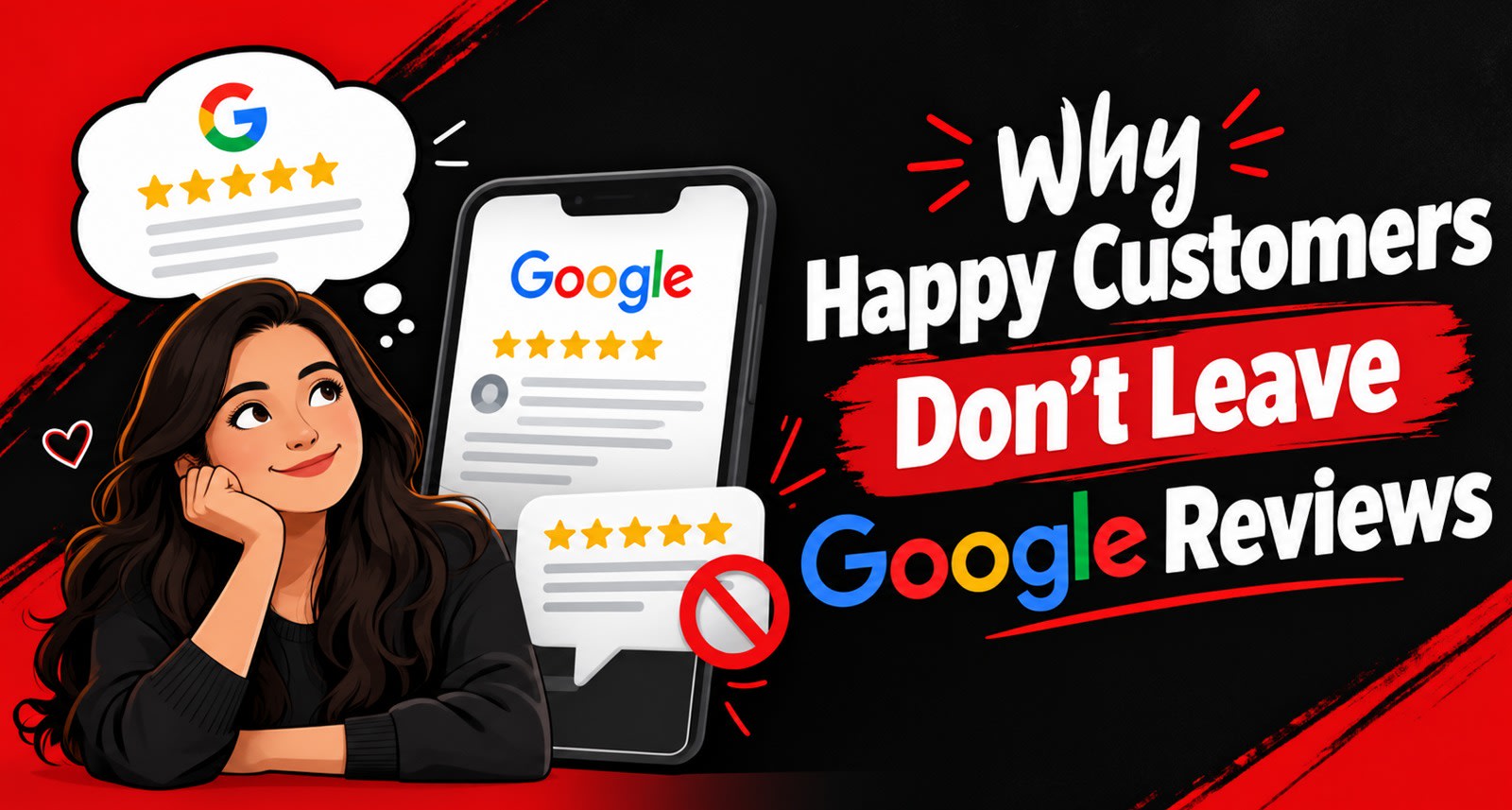
Most owners assume customers don't review because they don't care. That's rarely true.
Leaving a Google review asks a customer to do four things in a row, right after they've stopped thinking about you:
Remember to do it
Find your listing on Google Maps
Pick a star rating
Write something in an empty box
Step 4 is where most people quit. A blank text box feels like a school essay. "What do I even say? Food was good?" Then they close the app.
Unhappy customers don't have this problem. They already know exactly what they want to say. That's why so many local listings end up with reviews from the angriest few, while the silent majority stays silent.
So the fix isn't "ask harder." It's make it easier.
7 Fixes That Actually Work
Fix #1: Ask at the peak moment, not the exit
The best time to ask is when the customer is smiling. For a restaurant, that's when the dessert arrives or the bill comes with a compliment. For a salon, it's the moment the customer looks in the mirror. For a clinic, it's when the patient hears "everything looks good."
The door is the worst place to ask. By then, the customer is thinking about traffic.
Try this: Train one staff member per shift to recognise the peak moment and make the ask then.
Fix #2: Say it in the customer's language
"Please leave a Google review" sounds like a corporate script. "If you liked it, please leave us a review on Google. It would really help us." sounds like a person asking a favour.
Match your ask to how your staff already speak to customers.
Fix #3: Put the review link where the hand already is
Customers hold their phones at two moments: when they pay (UPI) and when they wait. A QR code placed next to the payment scanner or on the table while food is being prepared gets far more attention than a poster on the wall.
Try this: Walk through your space as a customer would. Where do they naturally look at their phones? Put the review point there.
Fix #4: Remove the blank box
This is the biggest one, and it's the reason we built ReviewTAG at Technical Avengers.
Instead of sending customers to an empty Google text box, ReviewTAG lets them tap what they liked: the food, the staff, the ambience, the cleanliness. AI then drafts a natural review from those choices. The customer reads it, edits anything they want, and posts it to Google themselves.
It turns a 3-minute writing task into a 30-second tapping task. And because the customer picks the highlights and approves every word, the review is still theirs.
You don't need ReviewTAG to apply this principle. Even a printed card saying "Tell us what you loved: food, service or ambience?" gives customers a starting point. But if you want the full experience without the homework, that's exactly what ReviewTAG is for.
Fix #5: Make it work without an app or a login
Every extra screen loses people. If your review link opens a login page, asks for an app download, or sends the customer to a search result instead of your exact listing, most will give up.
Check your current link today: open it on a phone that isn't logged in to your business account. Count the taps before the customer can type. If it's more than two, fix it.
Fix #6: Listen privately when something goes wrong
Some customers will have a bad experience. The worst outcome is that you find out from a 1-star review three days later.
Give every customer an easy way to tell you directly: a WhatsApp number on the table, a feedback form, or a manager who checks in. When problems reach you quickly, you can fix the cold food or the slow bill while the customer is still there.
One important line to respect: don't hide the Google option from unhappy customers. Google's policy doesn't allow businesses to selectively ask only happy customers for reviews. Offer a private channel and keep Google open to everyone. Customers who feel heard often soften their review on their own.
Fix #7: Reply to every review, good and bad
People reading your reviews also read your replies. A thoughtful reply to a 5-star review ("Thank you, Ravi garu. Glad the kids enjoyed the Apollo fish!") shows new customers there's a real person behind the business. A calm, helpful reply to a 2-star review often does more for trust than ten silent 5-stars.
Replies also remind happy customers that reviews get noticed, which makes the next person more likely to write one.
What NOT to Do
A few shortcuts can hurt your listing more than having no reviews at all:
Don't | Why it backfires |
Offer discounts or freebies in exchange for reviews | Google's policy prohibits incentivised reviews, and they can be removed |
Buy reviews or ask staff and family to post them | Fake reviews can be filtered out and put your listing at risk |
Ask only happy customers to review | Selective asking ("review gating") goes against Google's policy |
Write the review for the customer and post it from their phone | The review must be the customer's own decision and action |
Ignore negative reviews | Silence reads as not caring to every future customer |
Quick Self-Check: How Review-Ready Is Your Business?
Score yourself honestly. One point for each "yes."
Staff know when to ask for a review, not just that they should
The ask sounds natural in the language your customers speak
The review link is placed where customers already use their phones
Customers get help with what to write instead of a blank box
The link opens your exact Google listing in two taps or fewer
Unhappy customers have a fast, private way to reach you
Every review gets a reply within a few days
6–7: You're in great shape. Focus on consistency. 3–5: You're losing reviews you've already earned. Start with Fixes #3 and #4. 0–2: Your happy customers are invisible online. Start today.
Your Best Customers Deserve to Be Heard
The reviews on your listing should reflect the business you actually run, not just the loudest few voices. Most of the work is removing friction: asking at the right moment, in the right words, in the right place, and making it easy to say something.
If you'd like help setting this up for your business, Technical Avengers works with local businesses across Andhra Pradesh on Google Business Profiles, local SEO and review strategy. And if the blank-box problem is your biggest roadblock, ReviewTAG was built to solve exactly that.
Explore the ReviewTAG Collection with Dynamic QR Codes →
Create Your ReviewTAG Business Account — Sign Up Now →
Talk to Our Team on WhatsApp for a Free Setup Demo
FAQs
Why do only unhappy customers leave reviews?
Unhappy customers already know what they want to say, so writing feels easy. Happy customers have to think of something to write, and many give up at the empty text box.
Is it okay to ask customers for Google reviews?
Yes. Google allows businesses to ask customers for reviews. What it doesn't allow is offering rewards for reviews or asking only happy customers.
What is the best place to put a Google review QR code?
Next to where customers already use their phones, such as the UPI payment scanner, the billing counter or the table while they wait.
How can AI help customers write Google reviews?
Tools like ReviewTAG let customers choose what they liked, then AI drafts a review from those choices. The customer edits and posts it themselves, so the review still reflects their own experience.
About the author

Chandu Venkata Satish
Founder & Director
Chandu Venkata Satish is an entrepreneur, digital strategist and technology-driven business consultant with over ten years of experience working across digital strategy, political consulting, branding and technology. As the Founder of Technical Avengers, he leads the development of practical digital solutions that help businesses strengthen their online presence and accelerate growth. Review TAG is one such product, developed to simplify customer feedback and review generation through AI, QR and NFC technology, helping businesses turn genuine customer experiences into digital trust.
LinkedIn