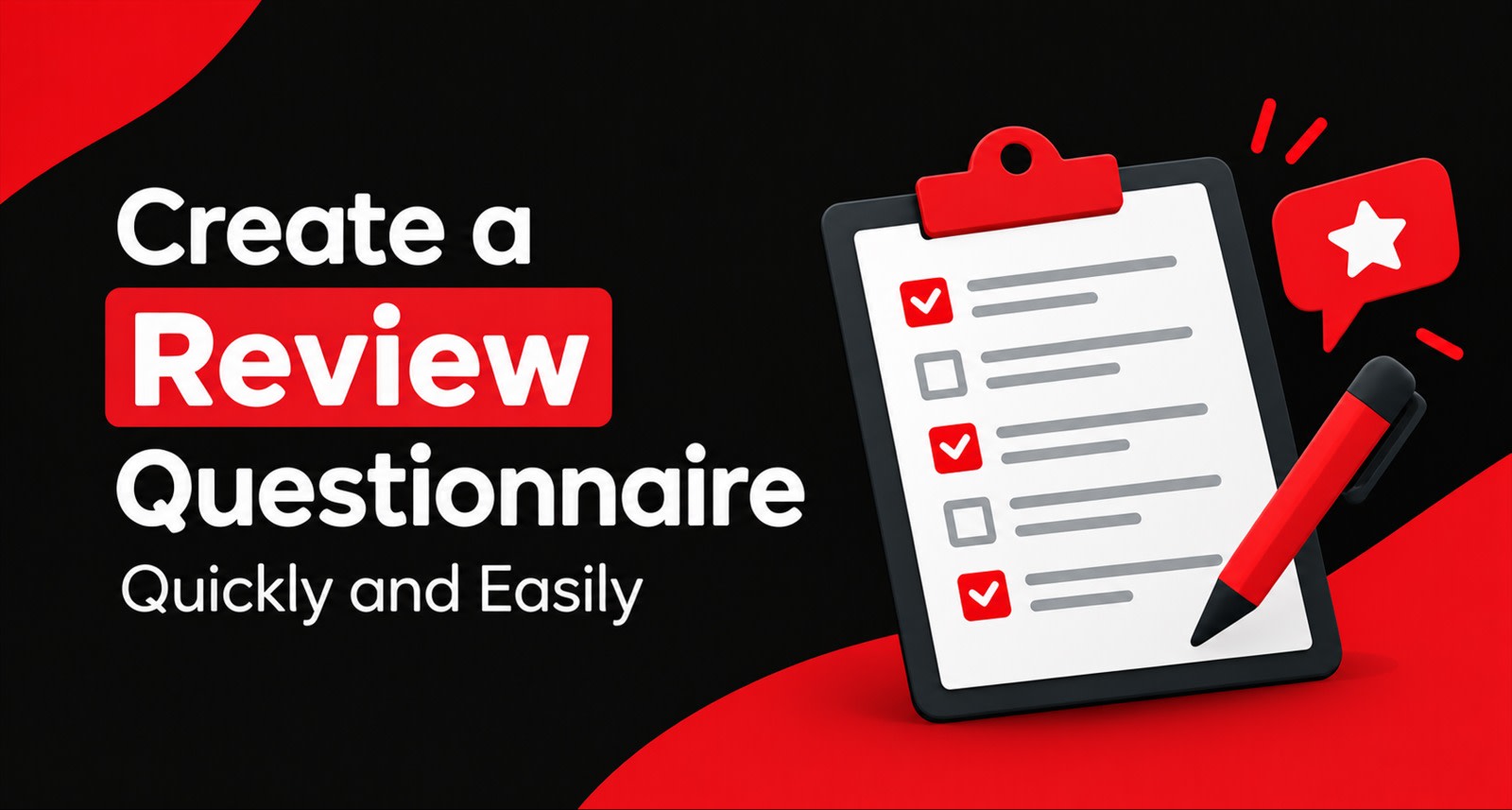
Most businesses spend a week deciding which review card to order, and about ninety seconds deciding what it should ask.
That's backwards. The hardware gets the customer's phone open. The questionnaire decides what actually ends up written about you on Google — which dishes get named, which staff get praised, which words a stranger searching at 8pm will see when they're choosing between you and the place down the road.
The good news: building a proper questionnaire takes about fifteen minutes. The catch is that most people build a bad one in five, never revisit it, and then wonder why their reviews all read like "Good service, nice place."
This is the walkthrough. No theory, no filler — just how to set it up properly the first time.
What a Review Questionnaire Actually Is
When a customer taps your google review card, they don't land on a blank Google text box. They land on a short, guided screen you control.
That screen asks for a rating, then shows a handful of tappable options describing the experience. The customer taps what's true for them, and those taps become the raw material for the review draft.
So the options you configure aren't decoration. They're the vocabulary your customers are given. If your options say "Service, Staff, Quality," you'll get reviews about service, staff, and quality.
Also Read: Google Review Stand & NFC Card Combo
If they say "Butter chicken, Rooftop seating, Birthday setup," you'll get reviews about those instead and those are the ones that make someone hungry.
That's the entire game. Your questionnaire is a menu of things customers are allowed to notice.
The Three Things Your Questionnaire Has to Do
Before you start typing options, understand what you're optimising for. There are three jobs, and they pull in slightly different directions.
One — finish fast. Every extra tap loses people. The whole flow should take under forty seconds. If your questionnaire feels like a survey, you've already lost.
Two — produce useful words. Reviews containing specific nouns help you in local search far more than generic praise. "Great biryani" works harder than "great food."
Three — tell you something. The same taps that build reviews also build your dashboard data. If you ask the right things, you'll know by month three which branch has a staff problem and which one has a wait-time problem.
A good questionnaire does all three. A bad one does none, because it asked six vague questions nobody finished.
Step 1: Pick Your Rating Question (2 minutes)
Start with one rating question. Just one.
Keep it broad and emotional, not analytical:
✅ "How was your experience today?"
✅ "How did we do?"
❌ "Please rate our service quality on a scale of 1 to 5"
The second one sounds like a form. The first sounds like a person asking.
This single rating does two jobs. It sets the tone of the draft, and it decides where the customer goes next happy customers toward Google, unhappy ones toward your private feedback form. If you haven't read how that routing works, it's covered in What Is a Google Review Card and How Does It Actually Work?
One rating question. Move on.
Step 2: Write Your Experience Options (7 minutes)
This is the part that matters most, and the part people rush.
You're writing a list of things a customer might have noticed. Aim for six to eight options. Fewer than five and the drafts get repetitive. More than ten and people stop reading and tap randomly.
The rule: be specific, but not so specific it excludes people
Here's the balance most businesses get wrong.
Too vague:
Service · Quality · Experience · Value
These produce drafts like "The service was good and the quality was great." Technically a review. Commercially worthless. Nobody searches for "good quality."
Too specific:
Chicken Biryani · Mutton Biryani · Prawn Biryani · Veg Biryani
Now a customer who ordered dosa has nothing to tap.
Right level:
Biryani · Starters · Rooftop seating · Quick service · Friendly staff · Good for groups · Clean washrooms · Value for money
Every customer can find two or three that fit, and every combination produces a review with something concrete in it.
Mix four types of option
Build your list using this split. It's the simplest reliable formula:
2–3 product options — what you actually sell. Dishes, treatments, services, products.
2 people options — staff, stylist, doctor, technician. Named roles get named praise.
1–2 environment options — ambience, cleanliness, parking, seating, waiting area.
1–2 process options — speed, booking ease, turnaround, no waiting.
That spread covers the four things customers naturally comment on, and it keeps your drafts varied because different customers tap different categories.
Ready-Made Options by Business Type
Steal these. Adjust the nouns to match what you actually sell.
Restaurant / café
Food taste · Signature dishes · Quick service · Ambience · Friendly staff · Cleanliness · Good for families · Value for money
Dental or medical clinic
Doctor's explanation · Pain-free treatment · Short waiting time · Clean facility · Helpful reception · Easy appointment booking · Felt comfortable
Salon or spa
Stylist's skill · Haircut / treatment result · Hygiene · Relaxing ambience · On-time appointment · Products used · Friendly team
Auto workshop
Problem explained clearly · Fair pricing · Work finished on time · Vehicle cleanliness · Honest advice · Quality of parts · Follow-up support
Hotel
Room cleanliness · Staff courtesy · Breakfast · Check-in speed · Location · Value for money · Peaceful stay
Gym or fitness studio
Trainer guidance · Equipment quality · Cleanliness · Crowd levels · Flexible timings · Motivating atmosphere
Retail store
Product range · Staff helpfulness · Billing speed · Store layout · Fair pricing · Easy exchanges
Real estate / consulting
Clear explanation · Honest advice · Site visit experience · Prompt responses · Paperwork support · No pressure selling
Pick seven. Don't use all of them.
Step 3: Add One Open Text Box (1 minute)
Add a single optional free-text field. Label it casually:
"Anything else you'd like to add? (optional)"
Most customers skip it. The ones who use it hand you gold. a staff member's name, a specific dish, a detail no preset option could have predicted. Those details are what make a review unmistakably human, and they carry straight into the draft.
Keep it optional. The moment it's mandatory, your completion rate drops.
Step 4: Choose Your Keywords (3 minutes)
This is separate from your tappable options, and it's the part with the most direct impact on whether people find you.
Keywords are the terms you want appearing naturally in your reviews because they match what people actually type into Google.
Think about the searches you want to win:
"best biryani in Vijayawada"
"family restaurant near me"
"rooftop dining Guntur"
Your keywords should be the nouns inside those searches: biryani, family restaurant, rooftop dining, Vijayawada.
Three rules for picking keywords
Use words customers use, not words you use. Your menu says "Hyderabadi Dum Biryani." Customers search for "biryani." Use theirs.
Include your locality where it fits naturally. A few reviews mentioning your area genuinely help. All of them mention it looks staged and reads badly to humans, which matters more.
Rotate them quarterly. If every review for eight months uses the same six words, your profile starts looking engineered. Swap two or three every few months. It takes thirty seconds on the dashboard.
Start with six to eight keywords. You can change them whenever you like.
Step 5: Set the Tone (1 minute)
Pick the register that matches how you actually talk to customers.
Friendly suits cafés, salons, gyms, retail — warm, casual, slightly informal.
Professional suits clinics, consultants, legal and financial services calm and measured.
Casual suits, youth-focused brands, street food, fitness studios are short and punchy.
One honest piece of advice: avoid the most polished option available. A review reading "an exemplary establishment delivering outstanding service across all parameters" fools nobody. Slightly imperfect, conversational phrasing reads human because that's how humans write.
If your platform offers multiple languages, enable the ones your customers actually speak. A large share of genuine reviews in Indian businesses never get written simply because the customer wasn't confident writing in English.
Step 6: Test It Yourself (1 minute)
Before you hand a single card to a customer, run through the whole thing on your own phone.
Check three things:
Does it feel fast? Time it. Over forty seconds and something needs cutting.
Do the drafts sound like a person? Run it twice with different selections. If both drafts read nearly identically, your options are too vague.
Does the low rating go to the private form? Tap two stars and confirm it doesn't reach Google.
Three minutes of testing saves you from discovering a problem after two hundred customers have hit it.
Buying Guide: Choosing Between ReviewTAG Smart Card, Acrylic Stand and Desk Puck
Five Mistakes That Quietly Kill Results
Asking too many questions. Four or five screens of questions turns a thirty-second interaction into a chore. One rating, one set of options, one optional text box. That's it.
Using only generic options. Service, Quality, Experience generates reviews that say nothing and rank for nothing. Name real things you sell.
Writing options in corporate language. "Operational efficiency" means nothing to a customer eating lunch. "Quick service" does.
Never updating it. You launched a new menu in March and your questionnaire still lists last year's dishes. Review it quarterly — it's a five-minute job.
Setting it up once and ignoring the dashboard. The point of structured options is that they become data. If 40% of your taps are on "quick service" and almost none on "ambience," that's telling you something about your space. Act on it.
Different Codes for Different Places
If you have more than one branch, counter or table, generate separate codes for each rather than using one everywhere.
It costs nothing extra and it gives you something useful: you'll know within a month that your Benz Circle branch collects three times more reviews than your other outlet, or that the table near the window outperforms every other seat in the restaurant.
One is a staffing insight, the other is a placement insight. You can't get either from a single shared code.
The same applies to campaigns. A code on your delivery packaging can use slightly different options than the one at your dine-in counter, because those are genuinely different experiences.
A Note on Keeping It Honest
One thing worth saying plainly, since questionnaires are where this usually goes wrong.
Your options should let a customer describe their experience — not push them toward a verdict. There's a real difference between:
✅ "What stood out today?" with neutral options
❌ "What did you love most about our amazing service?"
The first collects an opinion. The second supplies one. The second also produces reviews that read as coached, which is obvious to anyone reading your profile and increasingly obvious to platforms.
And the rule that sits above all of this: never offer a discount, a free item, or any incentive in exchange for a review. It's a direct policy violation regardless of how the questionnaire is worded, and it's the single most common reason honest businesses get their listings penalised.
The compliance framing is set out in the Terms & Conditions, and the line between assisted and fabricated reviews is covered in How AI Writes a Genuine Google Review in Under a Second.
Collect genuine feedback. Make it easy. That's the whole strategy, and it's also the only sustainable one.
Your 15-Minute Setup, Summarised
Step | Time | What you do |
1 | 2 min | One broad rating question |
2 | 7 min | Six to eight specific experience options |
3 | 1 min | One optional free-text box |
4 | 3 min | Six to eight keywords in customer language |
5 | 1 min | Pick a tone and enable your languages |
6 | 1 min | Test the full flow on your own phone |
Then leave it alone for three months, check your dashboard, and adjust what the data tells you to adjust.
Explore the ReviewTAG Collection with Dynamic QR Codes →
Create Your ReviewTAG Business Account — Sign Up Now →
Talk to Our Team on WhatsApp for a Free Setup Demo
FAQs
How many options is too many?
Above ten, people stop reading. Six to eight is the sweet spot.
Can I change the questionnaire after my cards are printed?
Yes. The questions live in your dashboard, not on the card. Edit anytime — cards already in customers' hands pick up the changes immediately.
Should every branch use the same questions?
Mostly yes, for comparable data. But adjust where the experience genuinely differs — a delivery-only kitchen shouldn't ask about ambience.
What if customers don't tap anything?
They can still write their own review from scratch. The questionnaire is a shortcut, never a requirement.
Can I ask something that won't appear in the review?
Many setups allow internal-only questions — useful for staff performance or operational tracking, where the answer feeds your dashboard rather than the public draft.
More setup answers are on the FAQ page.
About the author

Chandu Venkata Satish
Founder & Director
Chandu Venkata Satish is an entrepreneur, digital strategist and technology-driven business consultant with over ten years of experience working across digital strategy, political consulting, branding and technology. As the Founder of Technical Avengers, he leads the development of practical digital solutions that help businesses strengthen their online presence and accelerate growth. Review TAG is one such product, developed to simplify customer feedback and review generation through AI, QR and NFC technology, helping businesses turn genuine customer experiences into digital trust.
LinkedIn