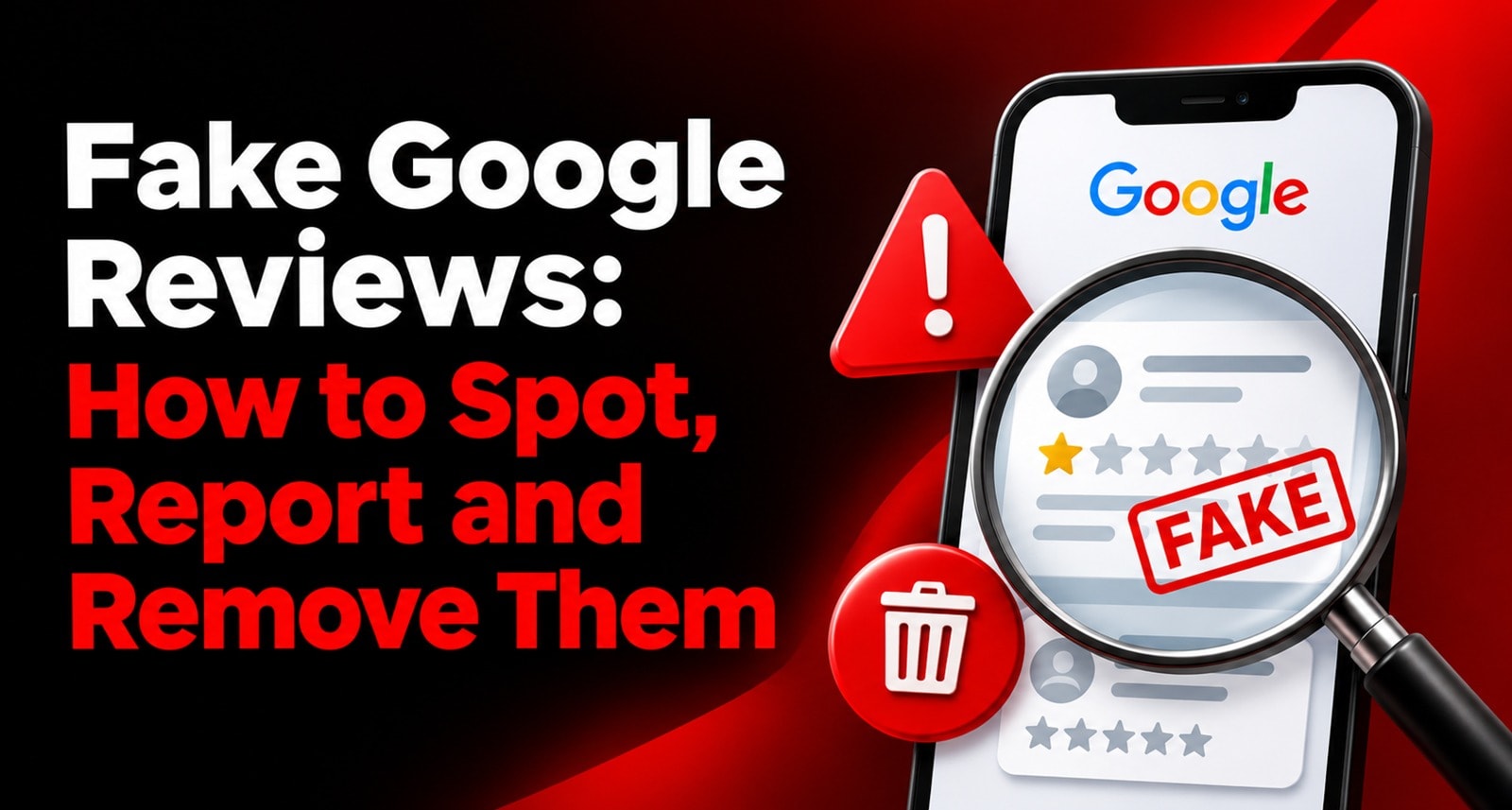
A sudden one-star review from someone your team can’t identify can be unsettling. So can a burst of vague five-star reviews that all sound alike. Your first instinct may be to reply, report the reviews or try to get them removed.
Take a moment before acting. A review can be unfair, mistaken or upsetting without violating Google’s policies. And a reviewer you don’t recognise may still have visited your business under a different name or through someone else’s booking.
This guide explains how to assess suspicious Google Business Profile reviews, preserve useful evidence, report a policy violation and follow Google’s review dispute process. It also covers how to respond while a report is under review—and what to avoid if a review is not removed.
The important distinction: Google may remove reviews that violate its policies. A negative review, by itself, is not grounds for removal, and reporting a review does not guarantee that Google will take it down. Google makes the decision based on its policies, not on whether the business agrees with the customer.
What Counts as a Fake Google Review?
“Fake review” is often used to describe several different problems. For Google, the key question is whether the review or related activity violates its content policies.
Examples of prohibited activity can include:
A review that does not reflect a genuine experience
Reviews posted in exchange for payment, discounts, free products or services
Multiple reviews posted by one person or at someone else’s request
Reviews intended to manipulate a business’s rating
Content that is irrelevant, misleading or otherwise prohibited
Attempts to suppress negative feedback or selectively solicit positive reviews
Google’s Fake Engagement policy says contributions should reflect genuine experiences. Its prohibited and restricted content policy gives further details about fake engagement and rating manipulation.
A review that’s critical, brief or unfamiliar to the owner is not automatically fake. The strongest case for reporting is a specific policy reason supported by observable details.
How to Identify Fake Google Reviews
No single clue proves that a review is fake. Treat the following signs as reasons to look more closely, not as proof on their own.
The review describes an experience your business doesn’t offer
The reviewer may refer to a different business, location, product or service. Check whether the review could relate to a branch, former service or visit that staff don’t immediately recognise.
The content is unrelated or promotional
A review may contain links, advertising, unrelated claims or content that appears to promote another business. This can be a clearer policy concern than a simple negative opinion.
Several reviews look coordinated
A sudden cluster of similar reviews, repeated wording or ratings posted in a short period may deserve investigation. But a burst of genuine reviews can also happen after a busy period, a popular event or a recent request campaign. Look at the content and context before drawing a conclusion.
The reviewer’s profile raises questions
A profile with many similar reviews across unrelated places might be worth examining. However, a sparse profile or an unfamiliar name does not prove the reviewer didn’t visit. Customers may use a nickname or a different Google account from the one associated with a booking.
The review includes no detail
A short review such as “bad service” may be frustrating, but lack of detail alone does not mean it violates policy. Customers are allowed to leave brief opinions.
You can’t find the customer in your records
Check alternate spellings, booking dates, branch records, family bookings and third-party platforms. Don’t post private customer details publicly to prove a reviewer is wrong. If you still can’t identify the interaction, note that fact in your internal record, but don’t treat it as proof of fraud by itself.
Negative, Unfair or Fake: Make the Distinction
Before you report a review, ask what you believe the policy violation is.
What you see | What it may mean | Sensible next step |
A low rating with a specific complaint | A genuine negative experience, even if you disagree | Respond professionally and investigate |
A review for a product or service you don’t provide | Possible mix-up or irrelevant content | Check the details, then consider reporting if it violates policy |
Several reviews with repeated wording | Possible coordinated activity, but not conclusive | Preserve examples and assess the pattern |
A review with spam, promotion or unrelated links | Possible policy violation | Save the link and report under the closest reason |
A reviewer you don’t recognise | Inconclusive by itself | Check records and context before acting |
Google says businesses shouldn’t report a review only because they dislike it or disagree with it. Its review reporting guidance explains that only reviews which violate policy are eligible for removal. See Google’s instructions for reporting inappropriate reviews.
If the review is negative but appears to describe a genuine visit, respond rather than making an unsupported accusation. For help with wording, see How to Respond to Negative Google Reviews Without Making It Worse
Preserve Evidence Before You Report
Good records help you explain why a review may violate policy. They also make it easier to track the case and avoid submitting inconsistent reports.
For each suspicious review, record:
The business location and review link
The reviewer’s display name and the date of the review
The exact text and rating
A screenshot showing the review and its context
The policy reason you believe may apply
Any relevant internal checks, such as a booking or service search
Other reviews that appear to be part of the same pattern
The date you reported it and any case or email reference
Keep evidence factual. For example: “This review describes a service we do not offer at this location” is more useful than “This person is a competitor.” Avoid collecting or sharing unnecessary personal information about the reviewer.
How to Report Fake Google Reviews
Google provides a reporting process for reviews on your Business Profile. Its steps may change, so check the current instructions when filing a report.
Option 1: Report from your Business Profile
Sign in to the Google account that manages the Business Profile.
Open the profile and select Read reviews.
Find the review and select the report option beside it.
Choose the reason that best matches the suspected policy violation.
Submit the report.
Option 2: Use Google’s Reviews Management Tool
Google’s Reviews Management Tool can be used to report a review and check the status of a report.
Open the tool while signed in to the account associated with your Business Profile.
Select the correct business.
Choose the option to report a new review.
Find the review and select Report.
Choose the closest policy reason and submit.
Return to the tool later to check the status.
Google says a review evaluation typically takes several days. The tool may show a pending decision or indicate that Google reviewed the report and found no policy violation. Don’t submit duplicate reports while you’re waiting for the result.
Choose the most accurate reason available. A report is stronger when it points to a specific rule rather than simply stating that the review is false or unfair.
How to Appeal a Google Review Removal Decision
If Google reviews your report and says it found no policy violation, the Reviews Management Tool may offer a one-time appeal for eligible reviews.
Google’s current instructions are to open the tool, select the option to check a previously reported review and its appeal options, then choose eligible reviews and submit an appeal. The tool allows you to select up to 10 eligible reviews in one appeal flow. Read the latest Google reporting and appeal instructions before submitting.
Make the appeal specific:
Identify the review and location.
State the policy concern in plain language.
Explain which parts of the review appear to violate that policy.
Include relevant context or documentation if the form allows it.
Keep the explanation concise and factual.
An appeal is not a request for Google to decide who was right in a customer dispute. It asks Google to reconsider whether the review violates its content policies.
What to Do if Google Doesn’t Remove the Review
If Google decides that a review doesn’t violate policy, it may remain visible. That can be disappointing, especially when you believe the review is misleading. You still have useful options:
Post a calm, factual response. Acknowledge the concern without arguing or accusing the reviewer of fraud.
Offer an appropriate route to discuss the issue privately. Don’t disclose customer records or sensitive information in public.
Investigate internally. Check whether the review points to a real service problem or a mix-up.
Continue gathering genuine feedback fairly. Invite customers to share honest experiences without incentives or pressure.
Keep a record of related activity. This may help if you see a pattern that later becomes clearer.
A professional reply can show future customers how your business handles criticism. It doesn’t require you to agree with every claim.
For response structures and examples, see How to Reply to Google Reviews: 50 Copy-Paste Response Templates
How to Handle Fake Negative Reviews Professionally
When a review feels malicious, the temptation is to respond sharply. That can turn one questionable review into a public argument that future customers will also see.
Use a short, measured response. For example:
“We take feedback seriously, but we’re unable to identify this visit from the details in the review. Please contact us at [business contact] so we can look into it.”
If the review clearly names a service or issue, respond to that concern without repeating personal or sensitive details:
“We’re sorry to hear this was your experience. We’d like to understand what happened and review it with our team. Please contact [name or department] at [contact method].”
Avoid:
Calling the reviewer a liar, competitor or fraudster
Posting customer names, appointment details, invoices or private messages
Threatening legal action in a public reply
Asking friends, staff or customers to post retaliatory reviews
Offering compensation publicly in exchange for changing or deleting a review
Repeatedly flagging the same review without new evidence
If the review is genuinely abusive or contains private information, report it under the relevant policy category and consider getting appropriate professional advice for serious threats or legal concerns.
Beware of Review Extortion and Paid Removal Promises
Some businesses receive messages threatening to post or keep negative reviews unless they pay. Others are contacted by people promising guaranteed removal of reviews for a fee.
Be cautious. A third party cannot guarantee that Google will remove a review. Google’s review reporting process is the official route for policy violations. A service that promises certain removal, proposes fake reviews to bury criticism or asks you to pay the reviewer may create more risk.
If you believe someone is using reviews to extort your business:
Preserve the message, account details and dates.
Don’t negotiate publicly in the review thread.
Report the review through Google’s official process if it violates policy.
Use Google’s designated support route for extortion incidents.
Consider contacting local authorities if there are credible threats or demands for money.
Keep the evidence intact. Don’t edit screenshots or delete messages that may be relevant.
Understand Possible Business Profile Restrictions
Google may take action beyond removing individual reviews if it determines that a business has violated its fake engagement policy. Potential restrictions can include temporarily preventing new reviews, hiding existing ratings for a period or displaying a warning to customers. See Google’s guidance on Business Profile restrictions for policy violations.
This is one reason not to buy reviews, offer rewards for reviews or selectively ask only happy customers. Review activity should reflect real customer experiences and follow Google’s current rules.
Build a Review Process That Helps Protect Your Reputation
A healthy review process can help a business collect genuine feedback consistently and make suspicious activity easier to assess.
Give every customer a fair opportunity to leave an honest review.
Use a direct link, QR code or NFC stand to make the review page easy to reach.
Train staff to make a neutral, optional request.
Never offer incentives or ask for a particular rating.
Check incoming reviews regularly so concerns don’t sit unanswered.
Keep records for reviews you report.
Respond to criticism calmly and protect customer privacy.
Review patterns by location or service so you can address recurring issues.
Review links and NFC or QR hardware can make it easier for customers to reach the review flow, but they can’t guarantee what a customer will write. See AI-Powered Customer Review Solutions: What They Are and Why Indian Businesses Need One in 2027 for more on using review tools as part of a broader feedback process.
A Practical Checklist
When you find a suspicious review:
Read it carefully and identify the possible policy issue.
Check whether it could relate to another location, booking or service.
Save the review link, date, text and a screenshot.
Record your reason for reporting it.
Report it through Google’s Business Profile or Reviews Management Tool.
Check the status rather than filing repeated reports.
Submit the one-time appeal if the review is eligible and you have a clear policy case.
Reply professionally if the review remains live.
Avoid public accusations, retaliation and paid removal promises.
FAQs
How can I identify fake Google reviews?
Look for specific policy concerns such as irrelevant promotional content, a review for a service your business doesn’t offer or a pattern of repeated content. These are clues to investigate, not automatic proof. An unfamiliar name or a one-star rating alone doesn’t show that a review is fake.
How do I report fake Google reviews?
Use the report option beside the review in your Business Profile or report it through Google’s Reviews Management Tool. Choose the policy reason that best fits and keep a record of the report.
Can I remove a negative Google review?
You can report a review that you believe violates Google’s policies, but Google decides whether to remove it. A review won’t qualify for removal just because it is negative, disputed or damaging to the business.
How do I appeal if Google doesn’t remove a review?
Check the review’s status in the Reviews Management Tool. If the review is eligible, Google allows a one-time appeal. Explain the specific policy concern and include relevant evidence where the form permits it.
Should I reply to a suspicious review while it’s under review?
If you choose to respond, keep it brief, factual and professional. Avoid accusing the reviewer or sharing private information. You can wait for the reporting decision if a public reply could complicate the situation.
Can a company guarantee Google review removal?
No outside service can guarantee Google’s decision. Use Google’s official reporting and appeal process, and be cautious of paid removal promises.
About the author

Chandu Venkata Satish
Digital Marketing Consultant & Strategist
Chandu is a Digital Marketing Consultant and Strategist focused on brand growth, Digital positioning, and High-impact marketing solutions. He specializes in transforming ideas into scalable digital success through strategy, innovation, and performance-driven execution.
LinkedIn