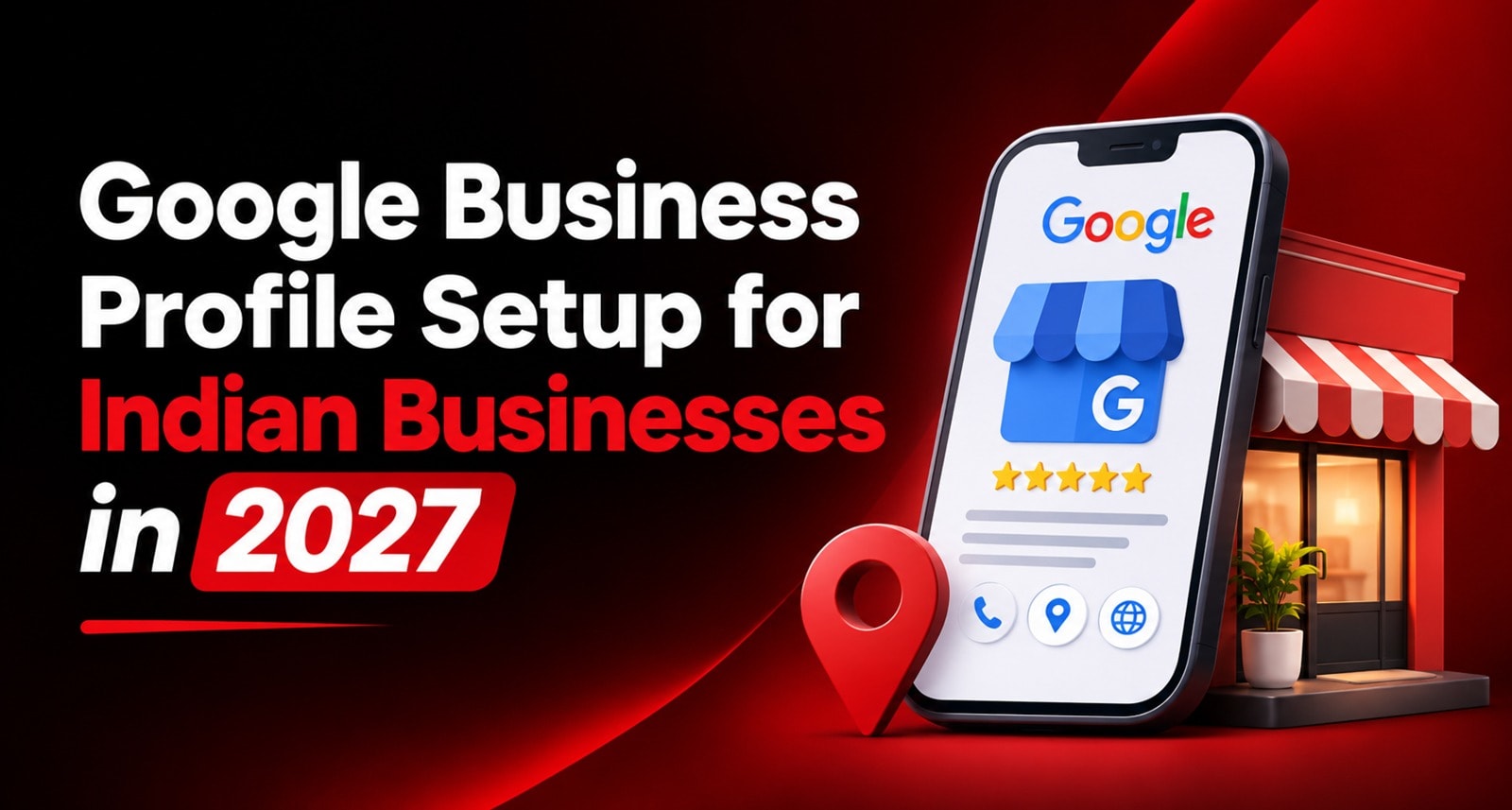
When someone in Vijayawada types "dentist near me" or someone in Visakhapatnam searches "biryani open now", Google doesn't show them a website first. It shows a map with three businesses, their star ratings, a call button and directions.
That map listing is your Google Business Profile.
For most local businesses in India, it's now the most-viewed thing about them online — more than their website, more than their Instagram page. And yet many profiles are half-filled, unverified, listed under the wrong category, or duplicated three times by different staff members over the years.
This guide walks through Google Business Profile setup for Indian businesses from start to finish: checking eligibility, creating the profile, choosing categories, verification, filling in every useful field, and keeping it accurate. There are examples for restaurants, clinics, salons, retail stores and service providers, plus a checklist for businesses in Andhra Pradesh.
Why Your Google Maps Business Listing Matters So Much
Think about how people in your city actually find a business today.
They open Google or Maps, search for what they need, compare a few listings and tap Call, Directions or WhatsApp. Often they never visit a website at all.
What customers do on your profile | What they need to see |
Check if you're open | Correct hours, including holidays |
Decide if you're trustworthy | Recent reviews and real photos |
Find you | An accurate pin and clear address |
Contact you | A working phone number |
Compare you with others | Services, prices, photos, replies to reviews |
A complete, accurate profile does a lot of your selling before the customer ever speaks to you. An incomplete one sends them to the business listed right below yours.
Before You Start: Are You Eligible?
Google Business Profile is free. But not every business qualifies. Broadly, your business needs to deal with customers in person during the hours you list — either at your premises or by travelling to them.
✅ Eligible | ❌ Not eligible |
Shops, restaurants, clinics, salons | Online-only stores with no customer-facing location |
Plumbers, AC repair, pest control (visit customers) | Rented virtual offices or co-working addresses you don't staff |
Home-based businesses that serve customers in person | A listing for every service you offer as separate businesses |
Offices that receive clients during set hours | Properties for sale or rent |
If you only sell online, your profile isn't the right tool. If customers can meet you, you're likely eligible.
What to Keep Ready
Collect these before you begin. It turns a frustrating hour into a 20-minute task.
A Google account (ideally a business email, not a staff member's personal account)
Your exact business name, as it appears on your signboard
Full address with landmark and PIN code, or the areas you serve
A business phone number that someone answers
Your website, if you have one
Opening hours, including weekly holidays
A list of your services or products
10–15 good photos: storefront, interior, team, work samples
Proof of the business for verification: signboard, shop interior, a utility bill or GST certificate, tools or stock
One important tip: create the profile using an account the business controls. Many owners lose access when an employee who set up the listing leaves.
How to Create a Google Business Profile: Step by Step
Step 1: Check If a Listing Already Exists
Search your business name on Google Maps first. A listing may already exist — added by a customer, an old employee or Google itself.
If it exists and nobody manages it: click Claim this business and follow the steps.
If someone else manages it: you can request ownership through Google's request process.
If nothing exists: go to Google Business Profile and add your business.
Never create a second listing for the same location because the first one is "stuck." Duplicates confuse Google and can lead to both listings being suppressed.
Step 2: Enter Your Business Name Correctly
Use your real-world business name — exactly what's on your signboard, bills and letterhead.
❌ Wrong | ✅ Right |
Sri Sai Dental Clinic – Best Dentist in Vijayawada Root Canal Implants | Sri Sai Dental Clinic |
Annapurna Biryani Point Cheap Biryani Guntur | Annapurna Biryani Point |
Glow Salon & Spa Bridal Makeup Facial Hair Colour | Glow Salon & Spa |
Adding keywords or locations to your name might seem clever. It goes against Google's guidelines and is one of the most common reasons profiles get suspended. Let your categories and services carry the keywords instead.
Step 3: Choose the Right Google Business Profile Categories
Categories tell Google what your business is. This is one of the biggest factors in which searches you appear for.
You choose one primary category and can add additional categories for other things you genuinely offer.
Business | Primary category | Possible additional categories |
Restaurant | Biryani restaurant / South Indian restaurant | Family restaurant, Takeaway restaurant |
Clinic | Dentist | Dental clinic, Cosmetic dentist |
Salon | Beauty salon | Hair salon, Bridal makeup artist |
Retail | Clothing store | Saree store, Women's clothing store |
Service | Air conditioning repair service | Electrician, Appliance repair service |
Tips:
Pick the most specific primary category that fits. Biryani restaurant beats Restaurant if biryani is what you're known for.
Only add categories for things you actually do.
Check what categories the top-ranking competitors in your area use.
Step 4: Set Your Location or Service Area
This is where many Indian businesses get it wrong.
Storefront business (customers come to you): add your full address and place the map pin exactly on your entrance. Include a landmark if your address is hard to find — "Opposite Bus Stand," "Near Benz Circle."
Service-area business (you go to customers): plumbers, pest control, home tutors and mobile mechanics should hide their address and add the areas they serve — city names, localities or PIN codes.
Both: some businesses have a shop and also visit customers. You can show your address and add service areas too.
Address tips for India:
Write the address the same way everywhere: Google, your website, Justdial, IndiaMART, bills
Always include the correct PIN code
Drag the map pin to your actual entrance — Indian addresses often geocode to the wrong lane
Don't use a PO box, a relative's house or an address where you don't operate
Step 5: Add Phone, WhatsApp and Website
Phone: use a number someone answers during business hours. A local landline or mobile works.
WhatsApp: where the option appears, connecting a chat option lets customers message directly — most Indian customers prefer this to calling.
Website: add your website if you have one. If not, the profile still works, but a simple website helps both credibility and search.
Keep your business name, address and phone number identical across every platform. Inconsistent details make Google less confident about which version is correct.
Step 6: Set Your Hours — Including Festivals
Accurate hours stop customers from arriving at a locked shutter.
Add your regular weekly hours, including your weekly off
Use special hours for festivals and holidays: Sankranti, Ugadi, Dasara, Diwali, Christmas
Update hours the same day if you change them
A customer who travels across town and finds you closed during "open" hours often leaves a one-star review. It's entirely preventable.
Step 7: Google Business Profile Verification
Verification proves to Google that you own and run the business. Until it's done, your profile is limited and much less visible.
Google offers verification by phone, text, email or video when you add or claim a profile — and you may have to verify with more than one method. The methods available depend on business category, public information, region, support hours and volumes.
Importantly, you don't choose the method: verification methods are automatically determined by Google and can't be changed.
In India, video verification is now very common. If you're asked to record a video, plan it carefully:
✅ Show in one continuous recording:
Outside — your signboard, the street, a nearby landmark
Inside — your counter, equipment, stock or workspace
Proof you manage it — opening the shutter or cash counter with your keys, your billing system, or business documents like a GST certificate or shop licence
❌ Avoid:
Cuts, edits or stitched clips
Recording only the inside without showing the location
Filming a signboard that doesn't match the name on your profile
If none of the available options work, Live video verification may not be available for all businesses, so Google recommends trying the options you have first and contacting support if you still can't verify.
Common verification problems and fixes:
Problem | Likely fix |
Video rejected | Re-record in one take, showing signboard + interior + proof of ownership |
No signboard yet | Put one up before verifying — it's one of the strongest signals |
Business name doesn't match signage | Make the profile name match your real signboard |
Stuck "under review" | Wait a few days, then contact support |
Step 8: Add Services, Products and a Description
Once verified, this is where Google Business Profile optimization really starts.
Services: list every service you offer, with a short description and price where it makes sense.
Example (salon): Haircut – Women · Hair Spa · Keratin Treatment · Bridal Makeup · Pedicure
Products: retail stores, bakeries and restaurants can add products with photos and prices.
Business description: you get up to 750 characters. Use it to explain what you do, who you serve and what makes you different — in plain language.
Example (clinic): "Sri Sai Dental Clinic has provided family dental care in Benz Circle, Vijayawada since 2012. We offer check-ups, cleaning, fillings, root canal treatment, braces and implants. Our clinic is wheelchair accessible, and appointments are available on weekday evenings and Saturdays."
No keyword stuffing. No links. No offers.
Attributes: tick everything that applies — wheelchair access, women-led, parking, Wi-Fi, outdoor seating, UPI payments, home delivery. These help you appear in filtered searches.
Step 9: Upload Real Photos
Profiles with good photos get noticeably more calls and direction requests. Upload real images — not stock photos.
Business | Photos to add |
Restaurant | Storefront, dining area, signature dishes, menu, kitchen |
Clinic | Exterior, reception, clean treatment room, team (with consent) |
Salon | Stations, before-and-after work (with consent), products used |
Retail | Storefront, aisles, best-selling products, billing counter |
Service provider | Team in uniform, vehicle, tools, completed work |
Add new photos every month. A profile whose latest photo is from 2022 looks inactive.
Step 10: Start Collecting and Replying to Reviews
Reviews are one of the strongest signals for local ranking — and one of the first things customers check.
Get your review link from your profile and share it with every customer — on WhatsApp, receipts and in person.
Place a tap-or-scan review stand where customers pause, like the billing counter.
Reply to every review, especially negative ones.
The full approach is in How to Get Google Reviews: The Complete Guide for Indian Businesses (2027 Edition) and, for AP businesses, How to Get More Google Reviews: A Review Strategy for Local Businesses in AP. If suspicious reviews appear, Fake Google Reviews: How to Spot, Report and Remove Them explains what to do.
Never offer discounts for reviews, ask only happy customers, or have staff post reviews. These break Google's policies and can get reviews removed or your profile restricted.
How to Rank a Business on Google Maps
There's no trick. Google weighs three broad things:
Factor | What it means | What you control |
Relevance | How well your profile matches the search | Categories, services, description |
Distance | How close you are to the searcher | Nothing — except an accurate pin |
Prominence | How well-known and trusted you are | Reviews, photos, activity, website, mentions elsewhere |
A complete, accurate profile with steady reviews and regular updates will outperform a half-filled one almost every time.
Accuracy also matters beyond Google Maps. AI assistants and Google's AI Overviews draw on business information across the web, so a consistent, detailed profile helps there too. More on that in How to Get Your Business Recommended by ChatGPT and Google AI Overviews.
Common Mistakes That Lead to Suspension
❌ Mistake | Why it's risky |
Keywords in the business name | Breaks guidelines — common suspension trigger |
Using a virtual office or someone else's address | Not a real customer-facing location |
Creating multiple listings for one location | Duplicates can be merged or removed |
Changing the name, address and category all at once | Can trigger re-verification or review |
Wrong pin location | Customers can't find you; trust drops |
Fake or incentivised reviews | Reviews removed, profile restricted |
Listing a closed business as open | Bad experiences, bad reviews |
If your profile is suspended: fix the issue first (usually the name, address or category), then submit an appeal with evidence such as signboard photos, a utility bill or GST certificate.
Dealing With Duplicate Listings
Duplicates are common in India — often created by a previous owner, an agency, an employee, or customers adding the business themselves.
Search your business name and phone number on Google Maps.
Note every listing that refers to your location.
Claim the duplicates if you can, or use Suggest an edit → Close or remove → Duplicate on Maps.
Keep one verified profile per location.
If you have several branches, each branch gets its own profile — that's not a duplicate.
Google Business Profile Management: A Monthly Routine
Setting up the profile is step one. Keeping it accurate is what actually builds results.
Frequency | Task |
Weekly | Reply to new reviews and questions |
Weekly | Post an update, offer or event |
Monthly | Add 4–5 new photos |
Monthly | Check hours, phone, services and prices |
Before festivals | Add special hours |
Quarterly | Review categories and compare with top competitors |
Anytime | Check for unwanted "suggested edits" from the public |
That's about 30 minutes a week.
Local SEO Checklist for Andhra Pradesh Businesses
Businesses in Vijayawada, Guntur, Visakhapatnam, Nellore, Tirupati, Rajahmundry, Kakinada and nearby towns face a few local quirks. Use this checklist.
📍 Address and location
[ ] Use well-known locality names customers search for: Benz Circle, Labbipet (Vijayawada); Brodipet, Arundelpet (Guntur); MVP Colony, Dwaraka Nagar (Visakhapatnam); Magunta Layout, Trunk Road (Nellore)
[ ] Add a nearby landmark in the address line where it helps
[ ] Confirm the map pin is on your actual entrance, not the main road
[ ] Use the same address format on Google, Justdial, IndiaMART and your website
🗣️ Language
[ ] Write your description in clear English — it's what most profile fields support best
[ ] Reply to Telugu reviews in Telugu where you can
[ ] Use Telugu on your signboard and photos if your customers use it
Deciding between Telugu and English across your online presence is covered in Telugu vs English Content – Which Language Should Your AP Business Use Online?.
🗓️ Hours
[ ] Add special hours for Sankranti, Ugadi, Dasara and Diwali
[ ] Update hours during wedding season if you extend timings
📸 Content
[ ] Upload photos that show your signboard clearly — it helps verification and trust
[ ] Add products or services with prices in ₹
⭐ Reviews
[ ] Share your review link with every customer on WhatsApp
[ ] Place a review stand at the billing counter
[ ] Reply to every review within 48 hours
Examples: What a Strong Profile Looks Like
Business | Must-haves |
Restaurant | Specific cuisine category, menu photos, delivery/dine-in attributes, festival hours |
Clinic | Specialist category, timings by day, accessibility attributes, careful review replies that never confirm patient details |
Salon | Services with prices, stylist work photos (with consent), booking link |
Retail store | Product catalogue, UPI/card attributes, exchange policy in description |
Service provider | Service areas instead of address, team and vehicle photos, emergency hours if offered |
Get your Google Business Profile set up and optimized with Technical Avengers. Build a stronger local search presence and help nearby customers discover your business. Our local SEO team, Crawler, handles setup, verification and ongoing optimization for local businesses across Andhra Pradesh and Telangana.
Explore the ReviewTAG Collection with Dynamic QR Codes →
Create Your ReviewTAG Business Account — Sign Up Now →
Talk to Our Team on WhatsApp for a Free Setup Demo
FAQs
Is Google Business Profile free in India?
Yes. Creating, verifying and managing a profile costs nothing.
How long does verification take?
It varies. Some profiles verify within minutes; video verification reviews can take several days. If it's stuck for over a week, contact Google support.
Can I choose my verification method?
No. Google decides which methods to offer your profile, and you may need to complete more than one.
Can a home-based business have a profile?
Yes, if you serve customers in person. If customers don't visit your home, set it up as a service-area business and hide the address.
Can I add keywords to my business name?
No. Use your real-world name only. Keywords in the name can lead to suspension.
I have three branches. One profile or three?
Three — one verified profile for each location.
Why was my profile suspended?
Most often because of keywords in the name, an ineligible address or duplicate listings. Fix the issue, then appeal with evidence.
More answers on the FAQ page.
About the author

Chandu Venkata Satish
Digital Marketing Consultant & Strategist
Chandu is a Digital Marketing Consultant and Strategist focused on brand growth, Digital positioning, and High-impact marketing solutions. He specializes in transforming ideas into scalable digital success through strategy, innovation, and performance-driven execution.
LinkedIn